

Generate a first draft
Turn a clear prompt into content your team can refine instead of beginning with an empty editor.

Generate draft WhatsApp templates, social posts and promotional image ideas inside Implifie, then review every result for accuracy, brand fit and channel requirements.
AI-generated material is a draft. Your team remains responsible for claims, offers, policy compliance and final publication.
Turn a clear prompt into content your team can refine instead of beginning with an empty editor.
Select available Knowledge Base sources when the generator and plan support them.
Edit tone, accuracy, variables, media and channel-specific requirements before use.
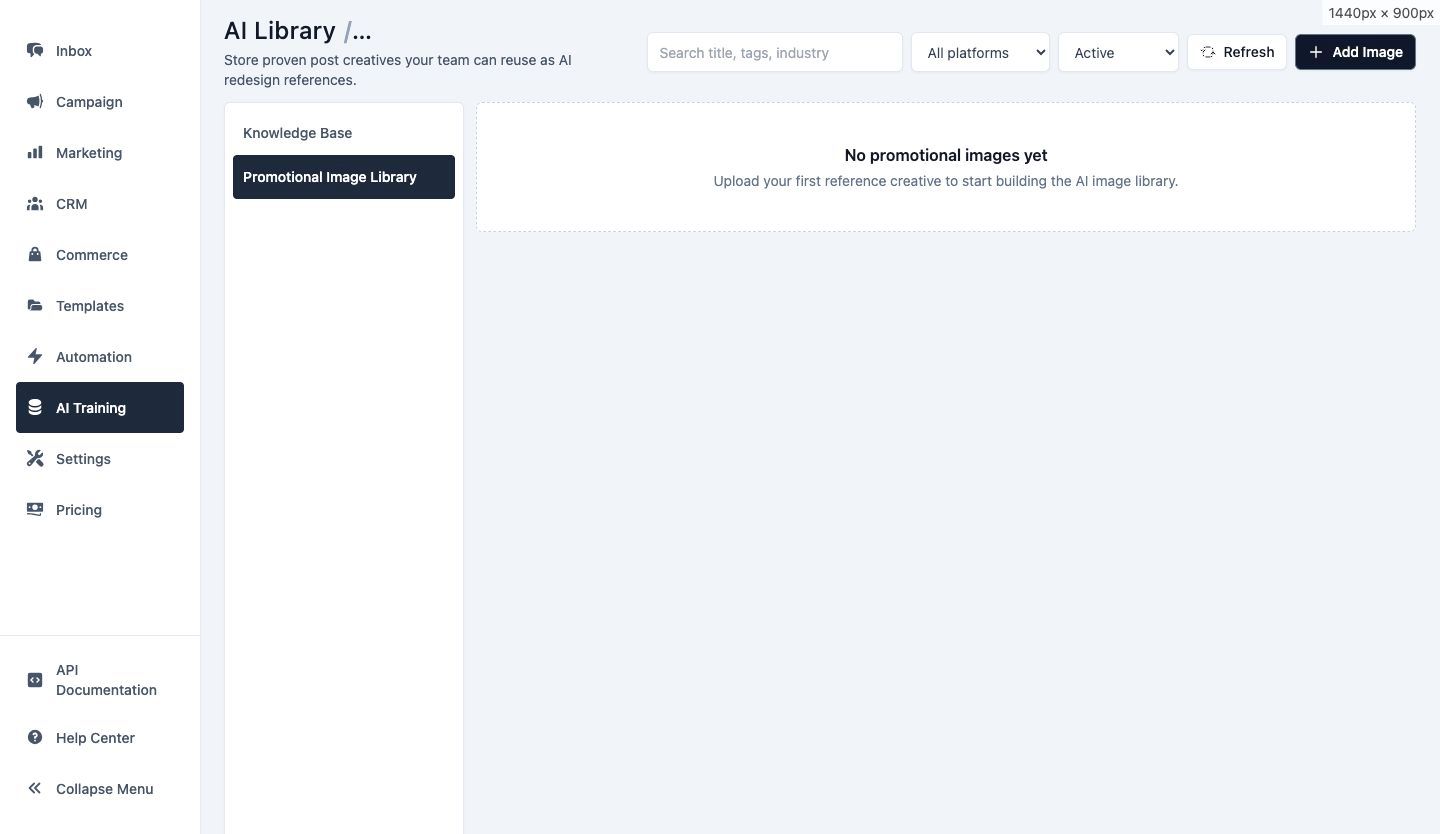
Use the promotional image area to generate visual ideas for campaigns or social content and review generated assets before use.
Confirm brand accuracy, text rendering, product representation and usage rights before publishing any generated image.
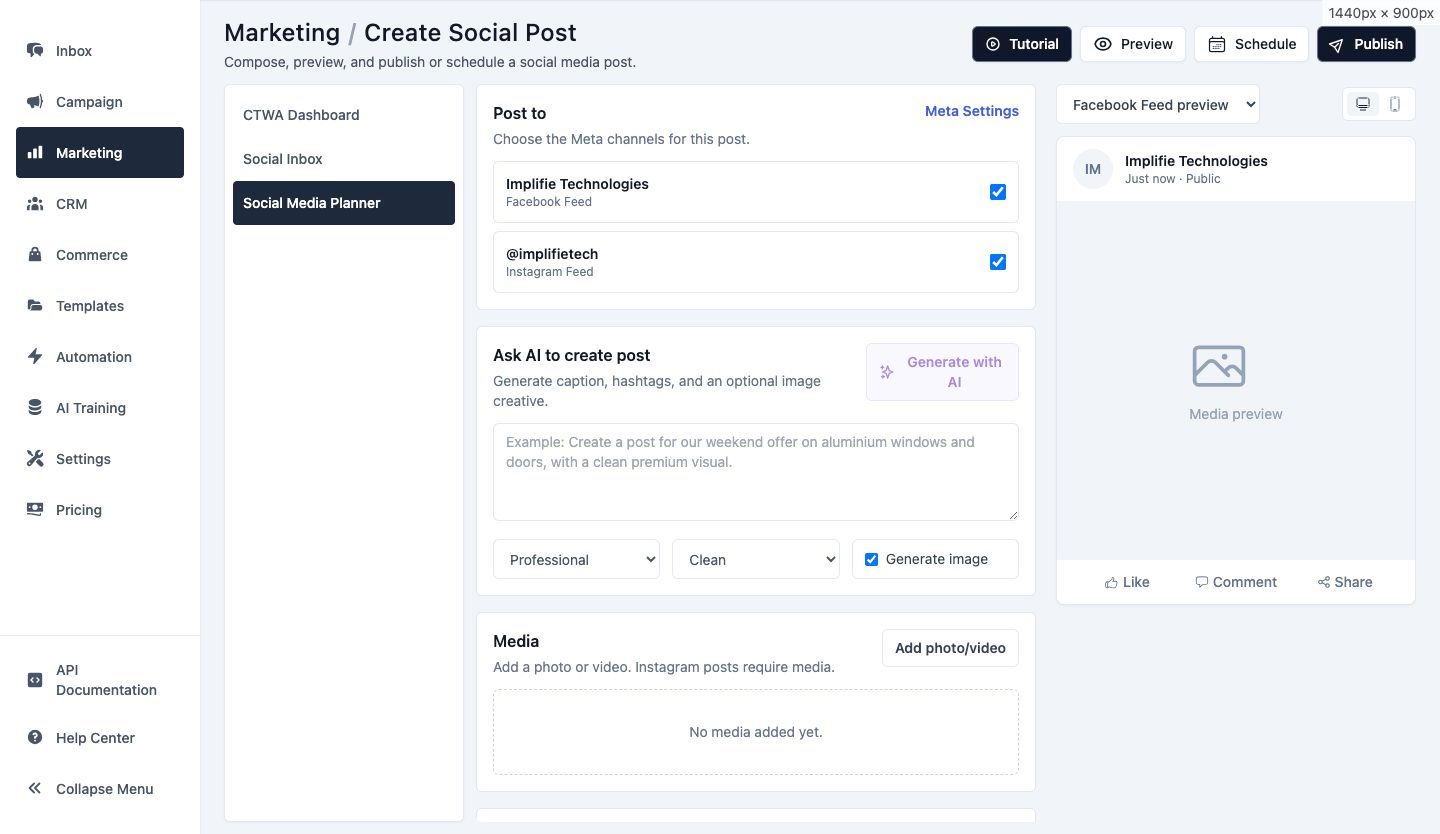
Open the AI generator from the Social Media Planner, describe the intended message and refine the draft before choosing a connected channel and publishing time.
LinkedIn is not currently available in the planner and should not be included in social publishing claims.
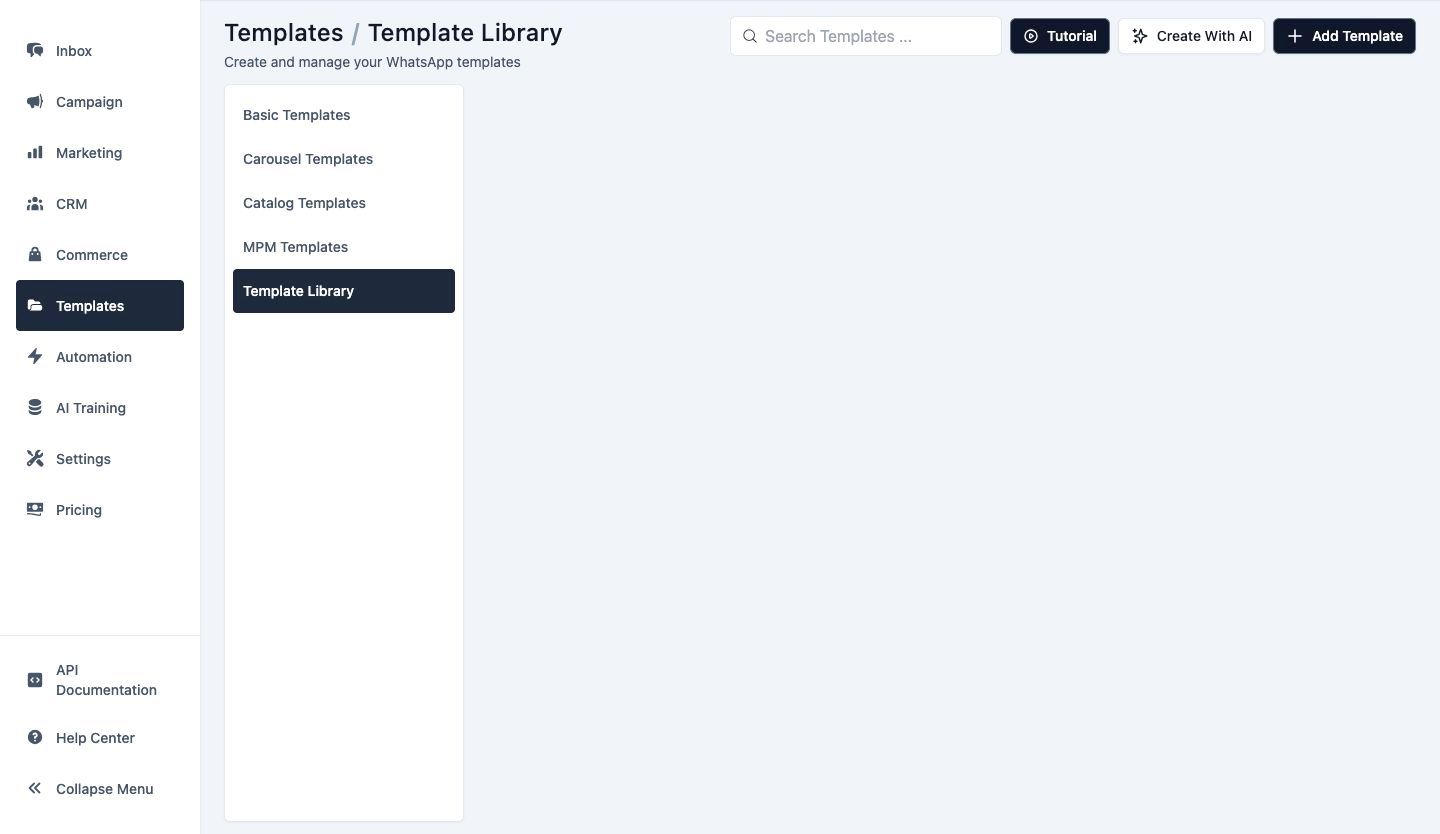
Use AI assistance to develop template copy and then adapt it to the correct WhatsApp category, variables, media and buttons.
Generation does not bypass Meta template review or guarantee approval.
Describe the audience, channel, offer and action the content should support.
Choose relevant Knowledge Base material when the generator supports it.
Review factual accuracy, tone, variables, links and visual details.
Submit templates for approval or schedule social content through the supported connected channel.
Current AI tools include draft WhatsApp template content, social post content and promotional image generation workflows.
Available generators can present organization Knowledge Base sources where the feature, source and plan support that context.
No. Generated copy still needs the correct template configuration and normal Meta review and approval.
The current Social Media Planner supports connected Facebook Pages and linked Instagram professional accounts. LinkedIn is marked as coming soon.
No. Review facts, claims, brand voice, legal or policy requirements, variables, links and images before publication.
Connect conversations, customer context, campaigns and automation from the same workspace.
Generate editable drafts, apply business context and keep a human review step before anything is published.