

Create template-ready messages
Prepare WhatsApp template content for broadcast campaigns, reminders, updates, confirmations, and customer follow-ups.

Create, manage, organize, and use WhatsApp message templates for broadcasts, reminders, customer updates, chatbot workflows, and follow-up automation with Implifie.
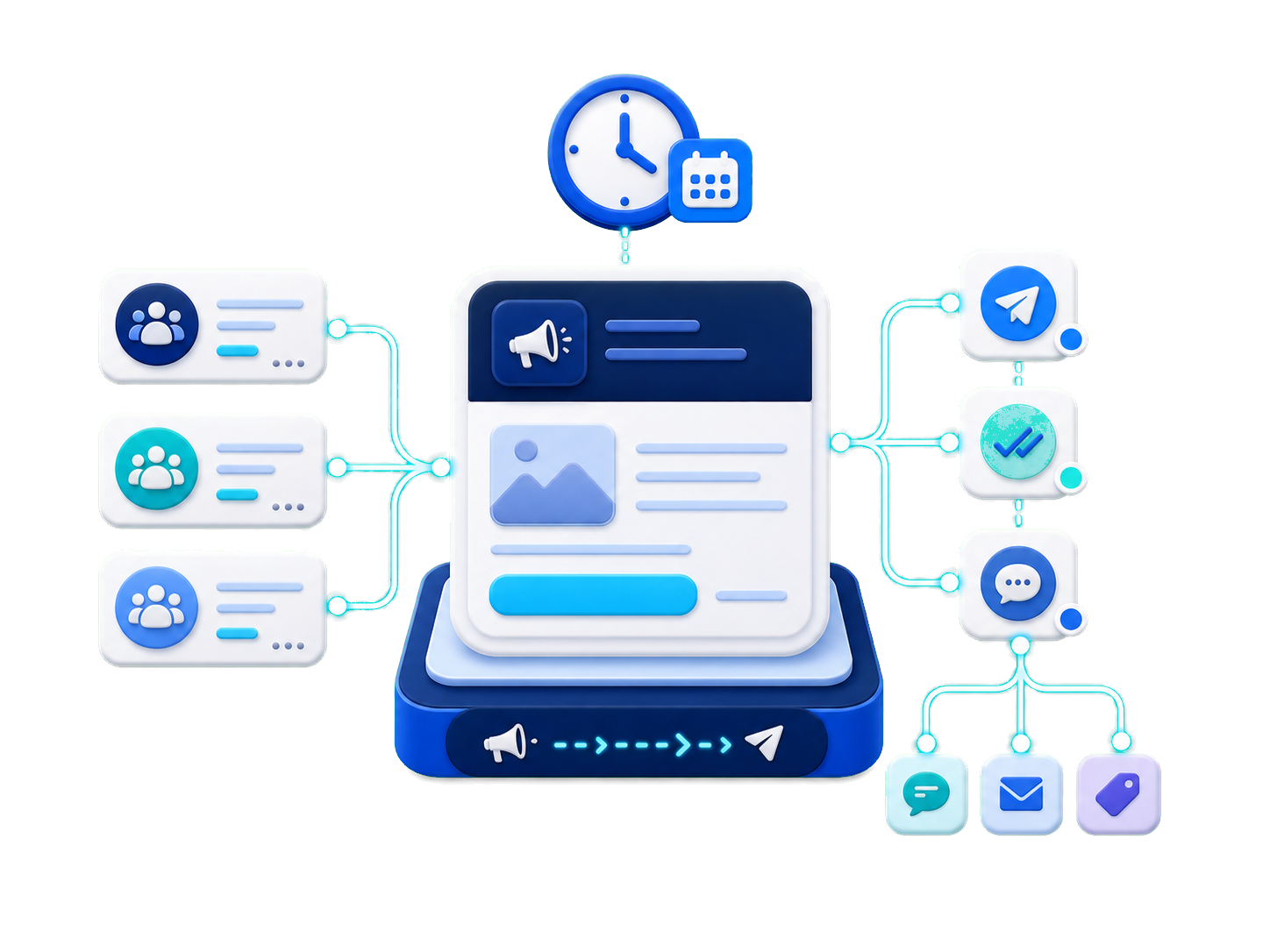
Implifie helps businesses manage WhatsApp template messages for broadcasts, reminders, utility updates, marketing campaigns, chatbot workflows, and customer follow-ups.
Growing businesses use WhatsApp templates for broadcast campaigns, reminders, updates, confirmations, and follow-ups. But when templates are scattered, hard to track, or disconnected from campaigns and automations, teams waste time and make mistakes. Implifie helps organize WhatsApp templates so they can be used across broadcasts, chatbot workflows, CRM follow-ups, and customer communication.
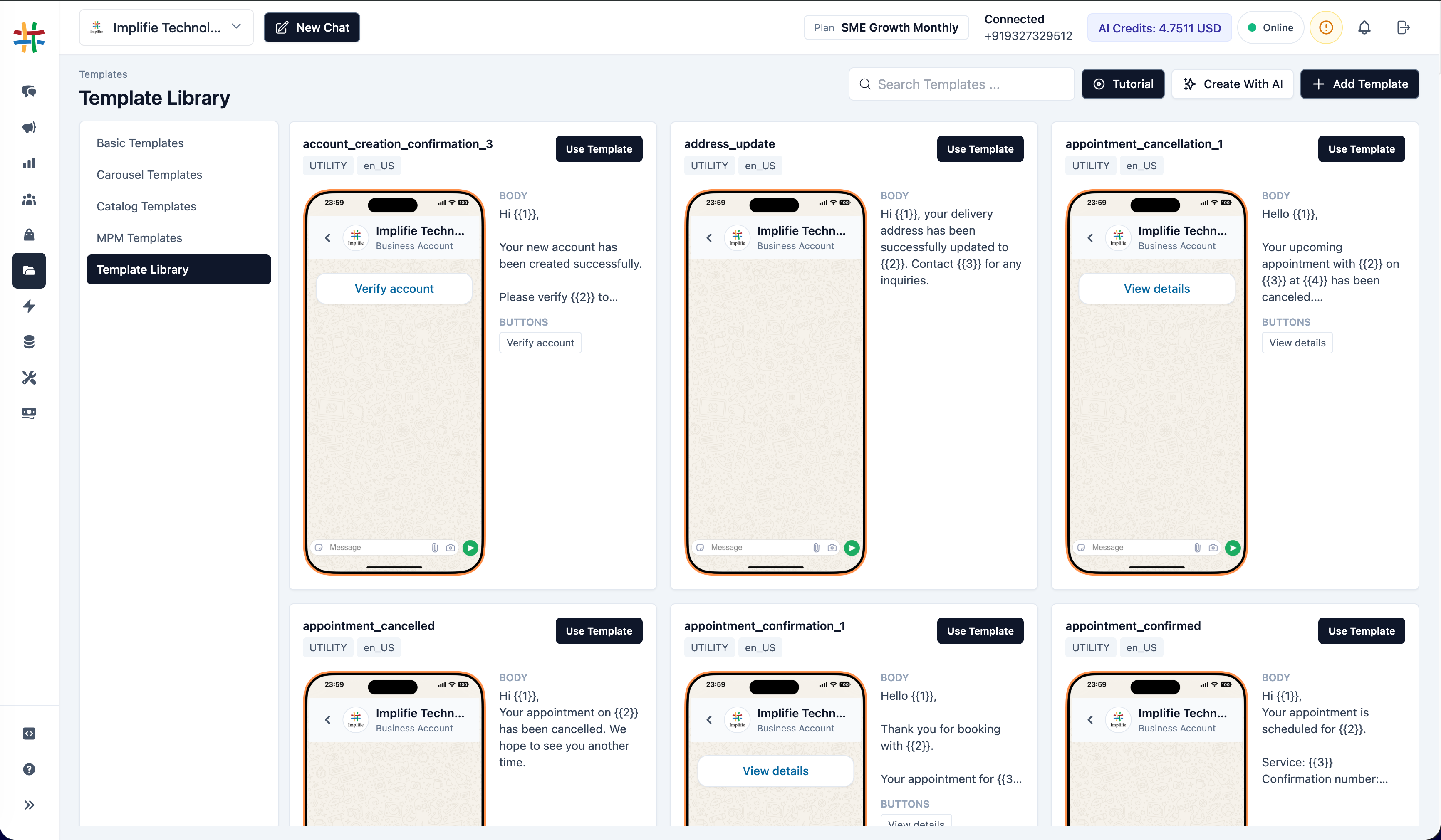
Use Implifie to organize template messages, manage variables, prepare campaign content, connect templates with broadcasts, and use them in customer journeys.
Prepare WhatsApp template content for broadcast campaigns, reminders, updates, confirmations, and customer follow-ups.
Add dynamic placeholders for customer names, order details, appointment times, or other business-specific information.
Use templates with text, media, call-to-action buttons, quick replies, or structured message formats where supported.
Keep template usage and approval status organized so your team knows which messages are ready to use.
Send approved templates to selected audiences through WhatsApp broadcast campaigns.
Trigger template messages from chatbot workflows, follow-up sequences, CRM actions, or business events.
Create template content, prepare it for WhatsApp Business API use, organize it inside Implifie, and use it across broadcast campaigns, automations, and customer follow-ups.
Prepare the message copy, placeholders, media, buttons, or quick replies needed for customer communication.
Use templates in broadcasts, chatbot flows, follow-up sequences, CRM actions, and customer support workflows.
Review template performance, customer replies, and campaign engagement to improve future communication.
Implifie helps your team keep WhatsApp template messages organized and ready for broadcast campaigns, automation workflows, reminders, updates, and customer follow-ups. Manage template content, variables, usage, and customer communication from one connected platform.
Try Implifie with your team and explore WhatsApp templates, broadcasts, CRM, chatbot workflows, AI assistance, and follow-up automation.
Use this section for real customer proof later. Until then, show use cases such as appointment reminders, campaign offers, order updates, lead follow-ups, support replies, payment reminders, and feedback requests.
WhatsApp template messages are pre-approved message formats used by businesses for customer communication through WhatsApp Business API, especially for broadcasts, reminders, updates, and follow-ups.
Template management helps teams organize approved messages, maintain consistent communication, use personalization, and connect templates with campaigns, automation, and CRM workflows.
Yes. Implifie helps businesses use approved WhatsApp templates in broadcast campaigns sent to selected contact lists.
Yes. Templates can use variables or placeholders for details such as customer name, appointment time, order information, or other business-specific data where supported.
Yes. Templates can be used in chatbot workflows, follow-up automation, CRM actions, and customer journey steps depending on your setup.
Implifie can help your team organize and use templates. Approval depends on WhatsApp Business API rules and the content submitted for review.
Tell us what type of WhatsApp messages your business sends and we’ll help you understand how Implifie can support templates, broadcasts, CRM follow-ups, and automation workflows.