

Create no-code workflows
Build WhatsApp flows using triggers, questions, conditions, actions, waits, and handoffs.

Build WhatsApp automation flows for lead capture, qualification, customer support, appointment booking, feedback, CRM updates, and human handoff using Implifie’s no-code flow builder.
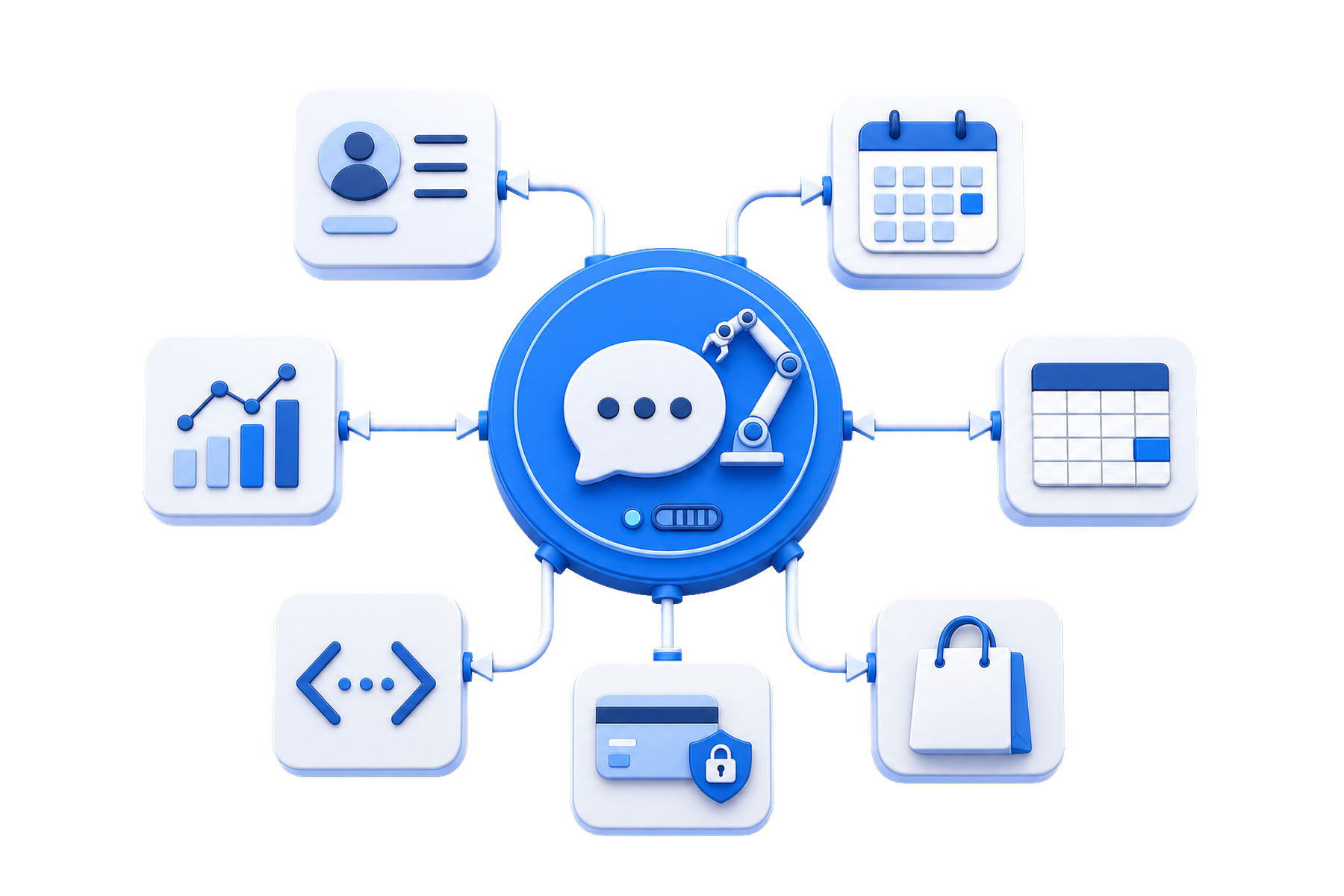
Implifie helps businesses build WhatsApp workflows that ask questions, save customer responses, update CRM tools, trigger follow-ups, and hand conversations to humans when needed.
Use Implifie to create no-code WhatsApp flows that capture information, branch conversations, trigger actions, and guide customers through the right journey.
Build WhatsApp flows using triggers, questions, conditions, actions, waits, and handoffs.
Collect customer name, requirement, location, budget, service need, appointment preference, or feedback.
Send customers down different paths based on their replies, interests, or qualification status.
Update CRM, send data to Google Sheets, notify your team, schedule follow-ups, or call webhooks.
Implifie helps teams build WhatsApp workflows that capture customer details, update CRM, and continue follow-ups automatically.
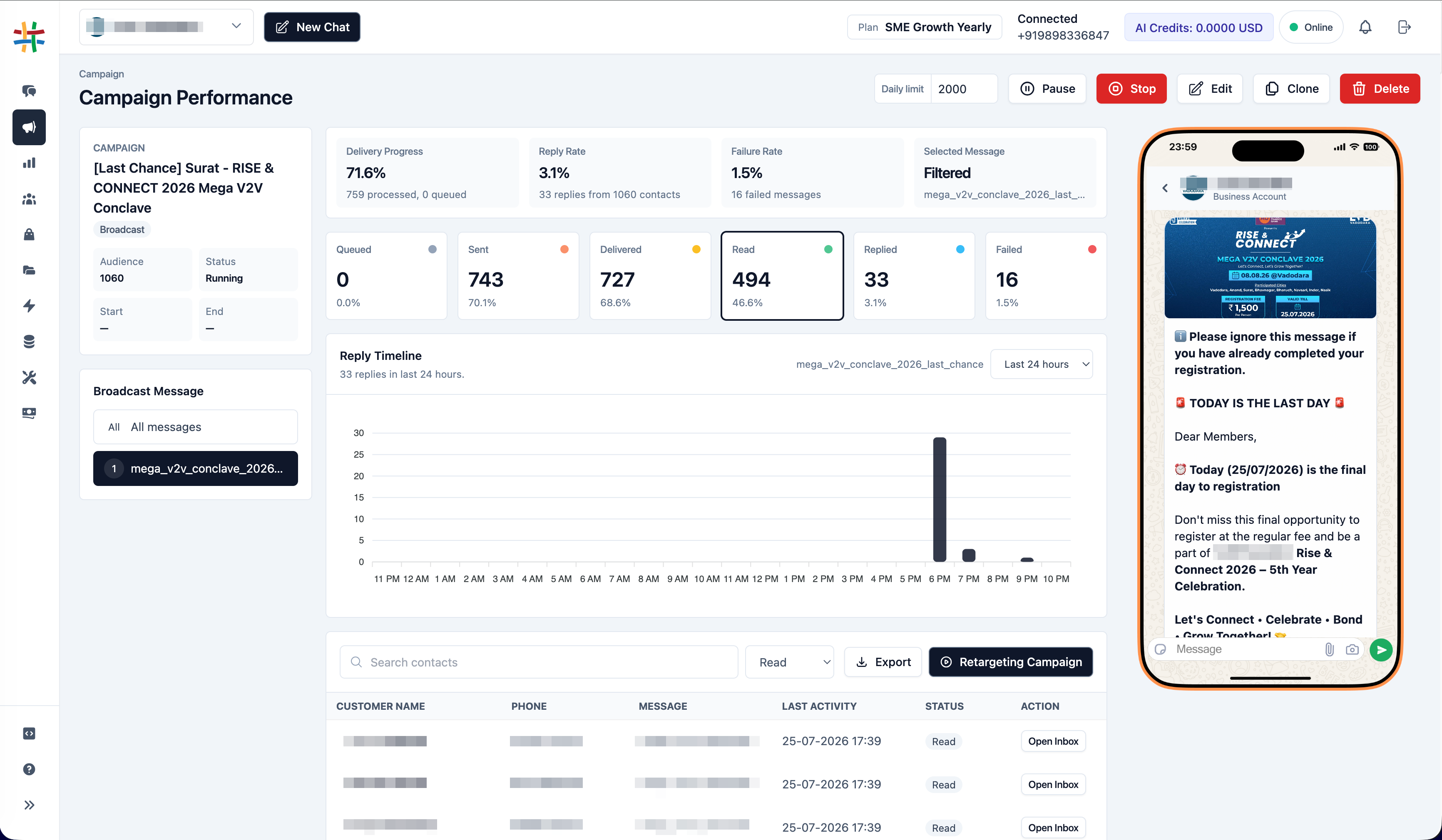
Start with a trigger, guide the conversation, branch based on replies, and connect actions to your business tools.
Start a flow from a keyword, incoming message, broadcast reply, form submission, CRM event, or customer action.
Ask questions, show options, wait for replies, use conditions, and guide customers through the right path.
Save data to CRM, update sheets, notify your team, schedule messages, or hand off to humans.
Use WhatsApp workflow responses to update CRM, send data to sheets, trigger webhooks, notify your team, or schedule customer follow-ups.
Businesses often manage WhatsApp enquiries manually. Teams ask the same questions, copy details to CRM, forget follow-ups, and lose context when the conversation changes hands. Implifie helps you build structured WhatsApp flows so every customer journey can move from first message to qualification, response, CRM update, and follow-up.
Explore WhatsApp flow builder, chatbot workflows, CRM actions, shared inbox, forms, broadcasts, AI assistance, and follow-up automation.
Use this section for real proof later. Until then, show workflow use cases such as lead qualification, booking requests, support triage, feedback collection, CRM updates, and follow-up automation.
“ Implifie helps teams build WhatsApp workflows that capture customer details, update CRM, and continue follow-ups automatically. ”
A WhatsApp flow builder helps businesses create structured automation workflows for customer conversations, lead capture, support, booking, CRM updates, and follow-ups.
Yes. Implifie supports no-code WhatsApp flows with triggers, questions, conditions, actions, and human handoff.
Yes. WhatsApp workflow responses can be used to update CRM tools, Google Sheets, webhooks, or internal systems depending on setup.
Yes. Implifie can route important conversations to sales or support team members with customer context.
You can automate lead qualification, FAQs, appointment booking, feedback collection, support triage, reminders, and follow-up workflows.
Tell us your customer journey and we’ll help you understand how Implifie can automate lead capture, support, bookings, CRM updates, and follow-ups on WhatsApp.