

Follow up after enquiries
Send timely WhatsApp follow-ups after new leads, product enquiries, or service requests.

Use Implifie to automate WhatsApp follow-ups after enquiries, broadcasts, forms, appointments, support requests, and sales conversations.
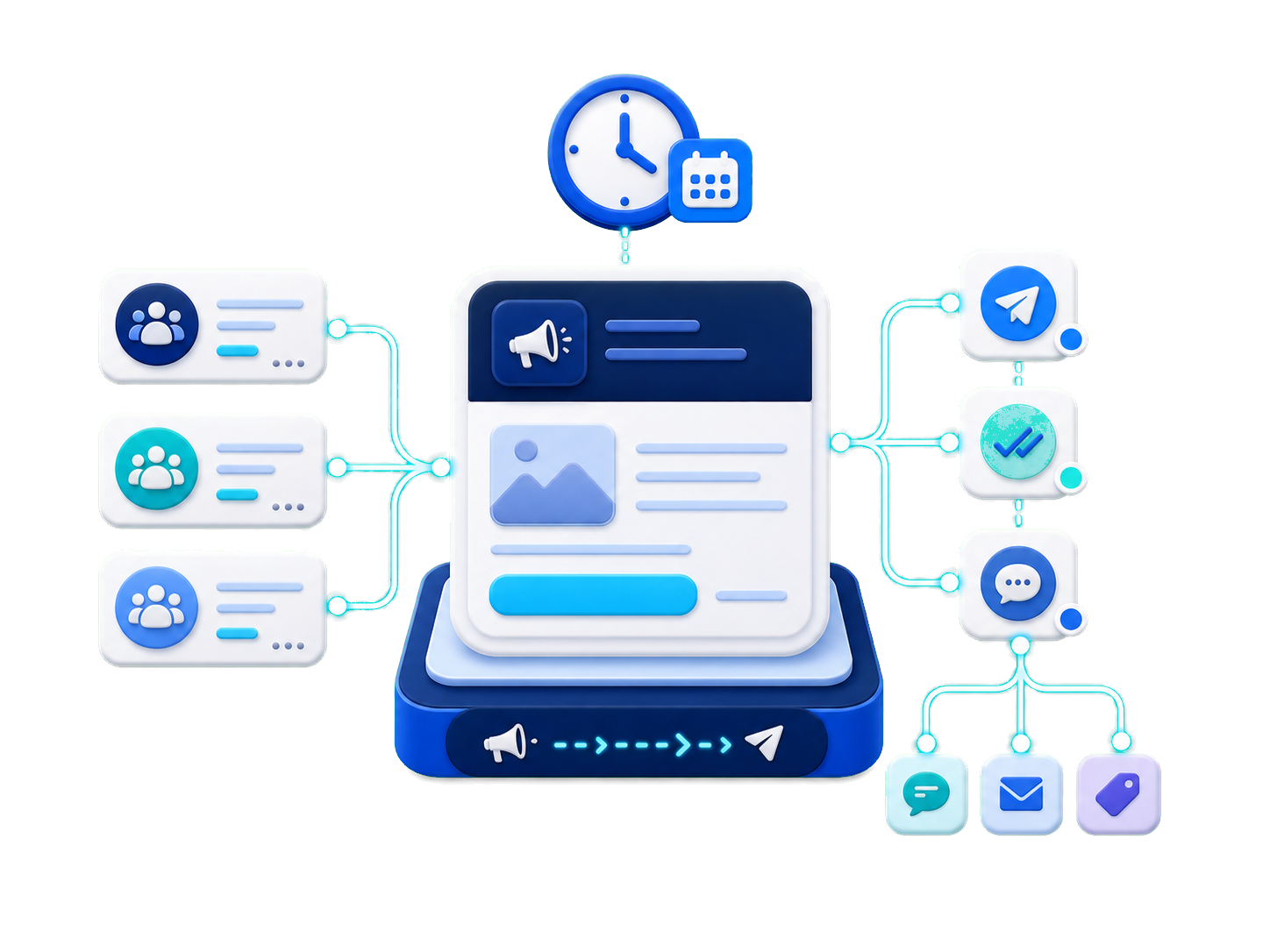
Implifie helps teams send timely WhatsApp follow-ups, reminders, templates, and workflow actions based on customer replies, lead status, and campaign engagement.
Send timely WhatsApp follow-ups after new leads, product enquiries, or service requests.
Keep prospects engaged with useful reminders, updates, and next-step messages.
Send WhatsApp template messages for reminders, updates, offers, and customer communication.
Start follow-ups based on lead status, tags, customer replies, or CRM updates.
Customers often enquire once and then go silent. Sales teams may forget to send reminders, support teams may miss pending issues, and businesses lose opportunities. Implifie helps automate WhatsApp follow-ups so your team can continue conversations at the right time.
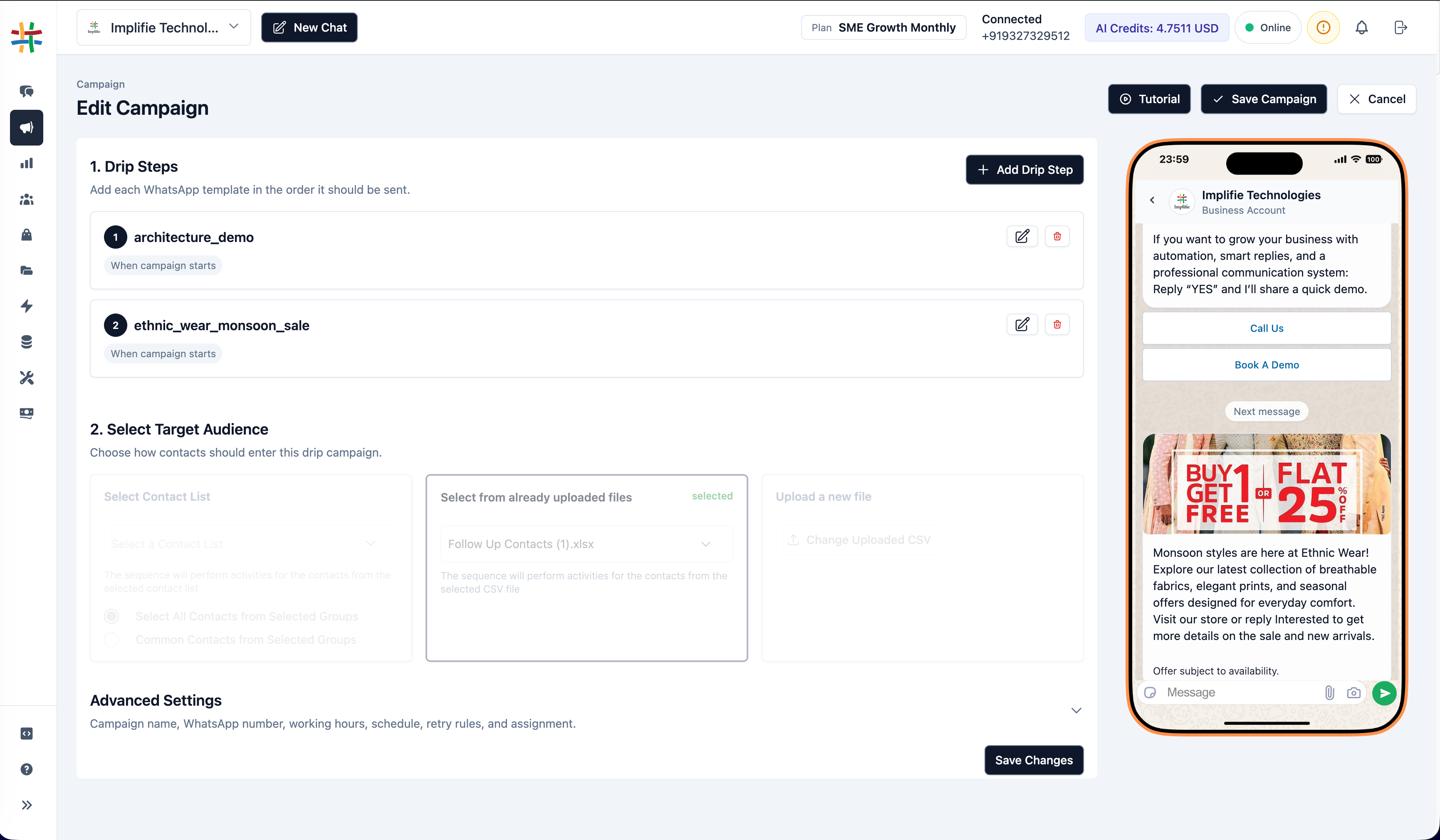
Trigger follow-ups from CRM status, forms, broadcasts, sheets, webhooks, and customer conversation activity.
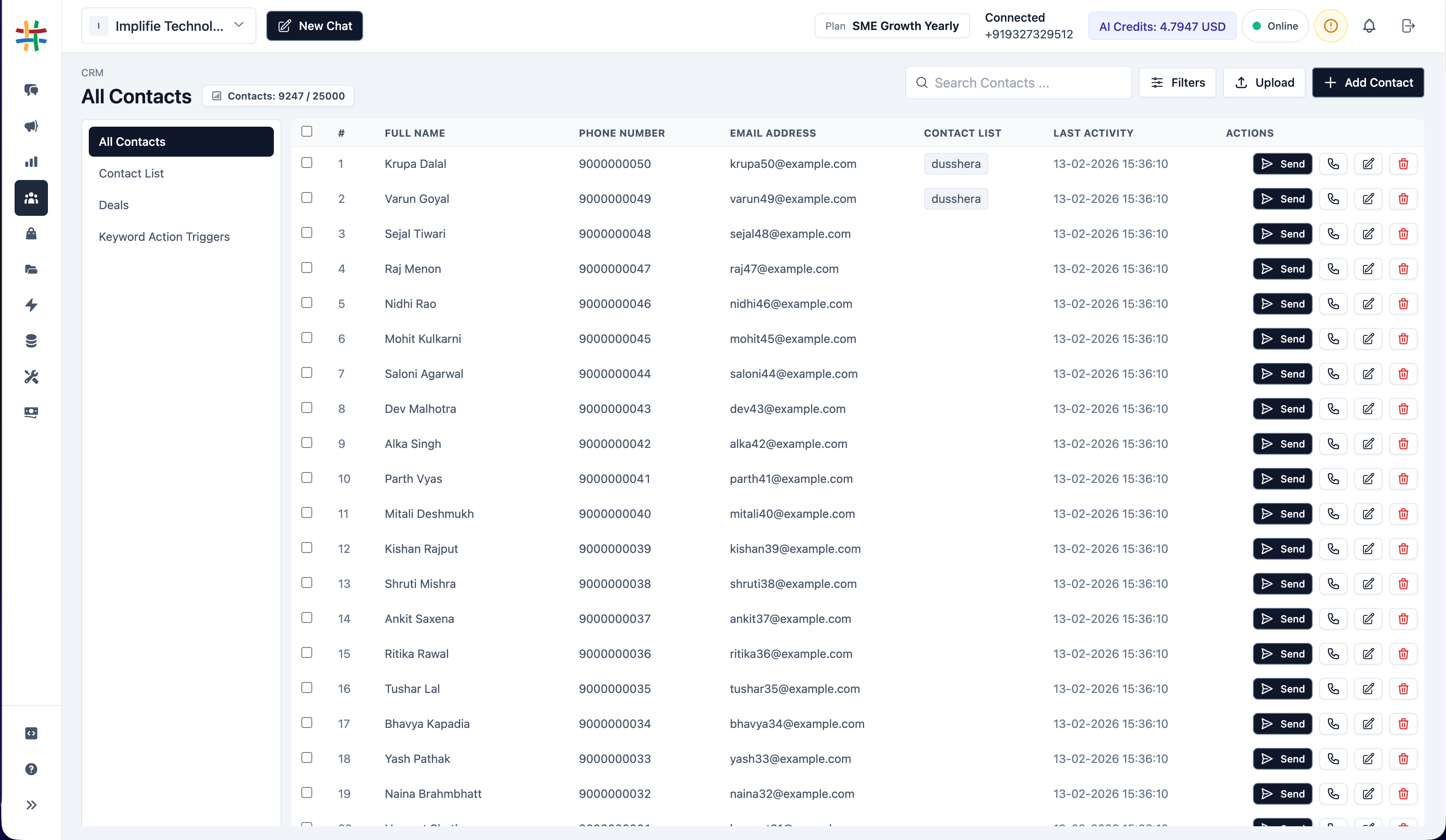
Use Implifie to send reminders, nurture leads, follow up after campaigns, schedule callbacks, and continue customer journeys through WhatsApp.
Send timely WhatsApp follow-ups after new leads, product enquiries, or service requests.
Keep prospects engaged with useful reminders, updates, and next-step messages.
Send WhatsApp template messages for reminders, updates, offers, and customer communication.
Start follow-ups based on lead status, tags, customer replies, or CRM updates.
Continue conversations with customers who respond to campaigns or show interest.
Route important replies to sales or support team members for personal attention.
Use follow-up automation to remind customers, send next steps, share useful information, and keep sales conversations moving without depending only on manual reminders.
Explore automated follow-ups, templates, CRM triggers, shared inbox, broadcasts, forms, and customer journey workflows.
Use this section for real proof later. Until then, show use cases like sales follow-ups, appointment reminders, broadcast replies, feedback requests, and reactivation campaigns.
“ Implifie helps teams automate WhatsApp follow-ups and keep customer conversations moving after enquiries, campaigns, and bookings. ”
WhatsApp follow-up automation helps businesses send timely reminders, next-step messages, templates, and customer updates after enquiries, campaigns, appointments, or CRM activity.
Yes. Implifie can help automate sales follow-ups based on lead status, customer replies, form submissions, or CRM activity.
Yes. Follow-up messages can use approved WhatsApp templates where required by WhatsApp Business API rules.
Yes. You can manage replies from broadcast campaigns and continue conversations with interested customers.
Yes. Important customer replies can be routed to sales or support team members.
Continue conversations with customers who replied to broadcasts, submitted forms, booked appointments, or showed interest in your business.