

Manage all chats in one inbox
Keep WhatsApp conversations visible to your sales and support team from one shared workspace.

Manage every WhatsApp customer conversation from one shared inbox with team assignment, customer history, internal notes, CRM context, AI reply suggestions, and follow-up workflows.

Implifie gives your team one shared WhatsApp inbox to manage conversations, assign chats, view customer context, and continue follow-ups without confusion.
Keep WhatsApp conversations visible to your sales and support team from one shared workspace.
Route chats to the right team member so every customer has clear ownership.
See contact details, previous messages, tags, notes, and CRM activity before replying.
Add private notes for your team without sending them to customers.
When WhatsApp conversations are handled from personal phones or disconnected tools, teams miss replies, duplicate work, lose history, and struggle to know who owns each customer. Implifie helps teams manage WhatsApp conversations from one shared workspace.
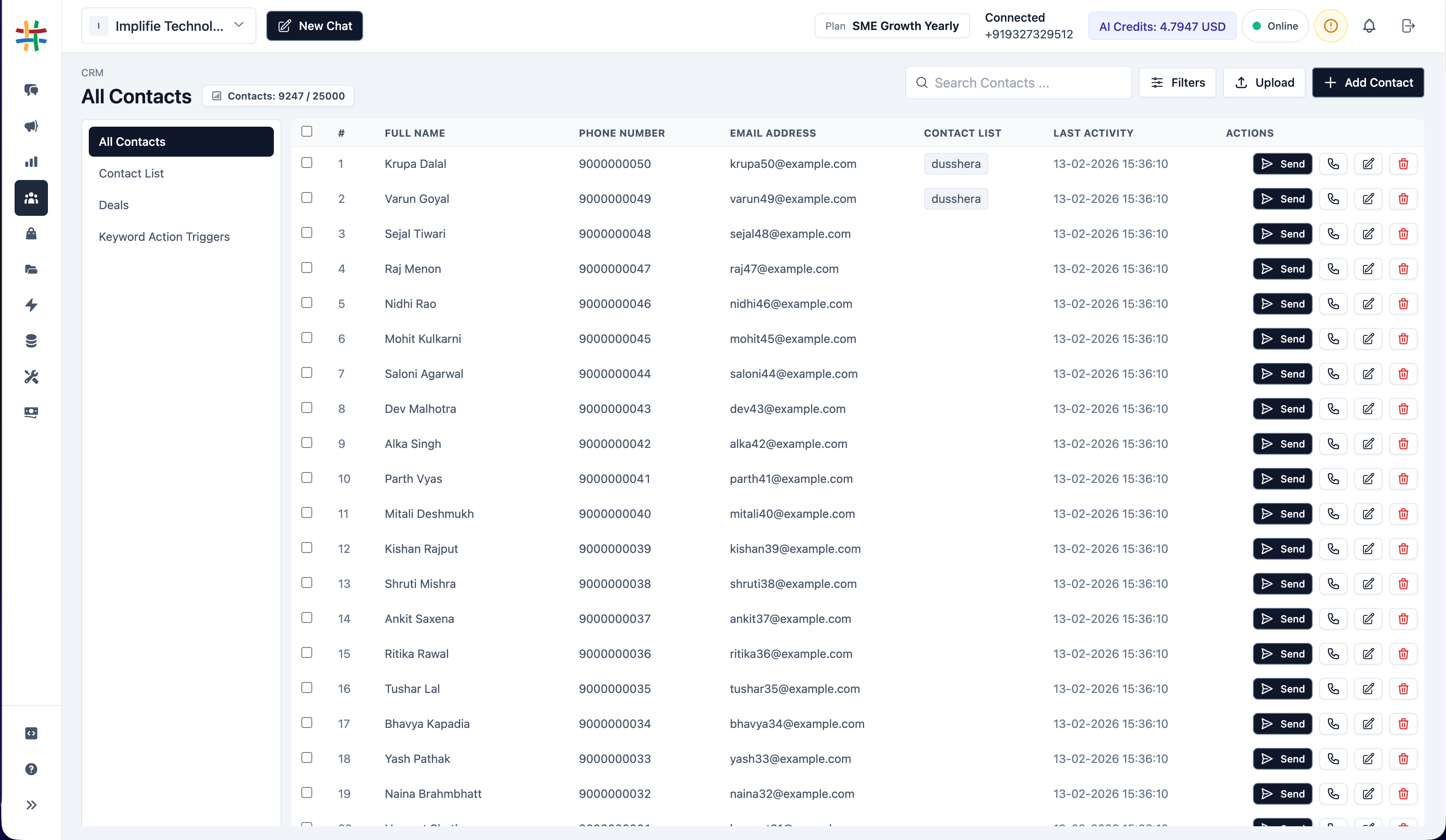
Keep WhatsApp conversations connected to your CRM, spreadsheets, calendars, and internal workflows.
Use Implifie’s shared WhatsApp inbox to organize chats, assign conversations, view customer details, and respond faster.
Keep WhatsApp conversations visible to your sales and support team from one shared workspace.
Route chats to the right team member so every customer has clear ownership.
See contact details, previous messages, tags, notes, and CRM activity before replying.
Add private notes for your team without sending them to customers.
Use AI reply suggestions and chat summaries to help agents respond faster.
Use templates, reminders, automation, or CRM actions to continue the conversation.
Your team can view customer history, notes, tags, previous replies, and conversation ownership before responding. This reduces confusion and helps customers get faster answers.
Explore shared inbox, team assignment, customer context, AI reply suggestions, CRM, broadcasts, and automation workflows.
Use this section for real customer proof later. Until then, show use cases like lead assignment, support queues, campaign replies, customer follow-ups, and internal notes.
“ Implifie helps teams manage WhatsApp conversations from one shared inbox with context, assignment, and follow-ups. ”
A shared WhatsApp inbox lets multiple team members manage customer WhatsApp conversations from one workspace.
Yes. Implifie supports team-based WhatsApp conversation management through a shared inbox.
Yes. Conversations can be assigned to sales or support team members.
Yes. Agents can view previous messages, contact details, notes, tags, and customer context.
Yes. Implifie is built for WhatsApp Business API-based team communication.
Manage incoming enquiries, support questions, campaign replies, and follow-ups from one shared WhatsApp inbox connected to CRM and automation workflows.