

Send approved WhatsApp templates
Use approved WhatsApp message templates for broadcast campaigns, reminders, updates, offers, and customer communication.

Send approved WhatsApp template broadcast, reach selected contact lists, track performance, and follow up with interested customers using Implifie’s WhatsApp broadcast software.
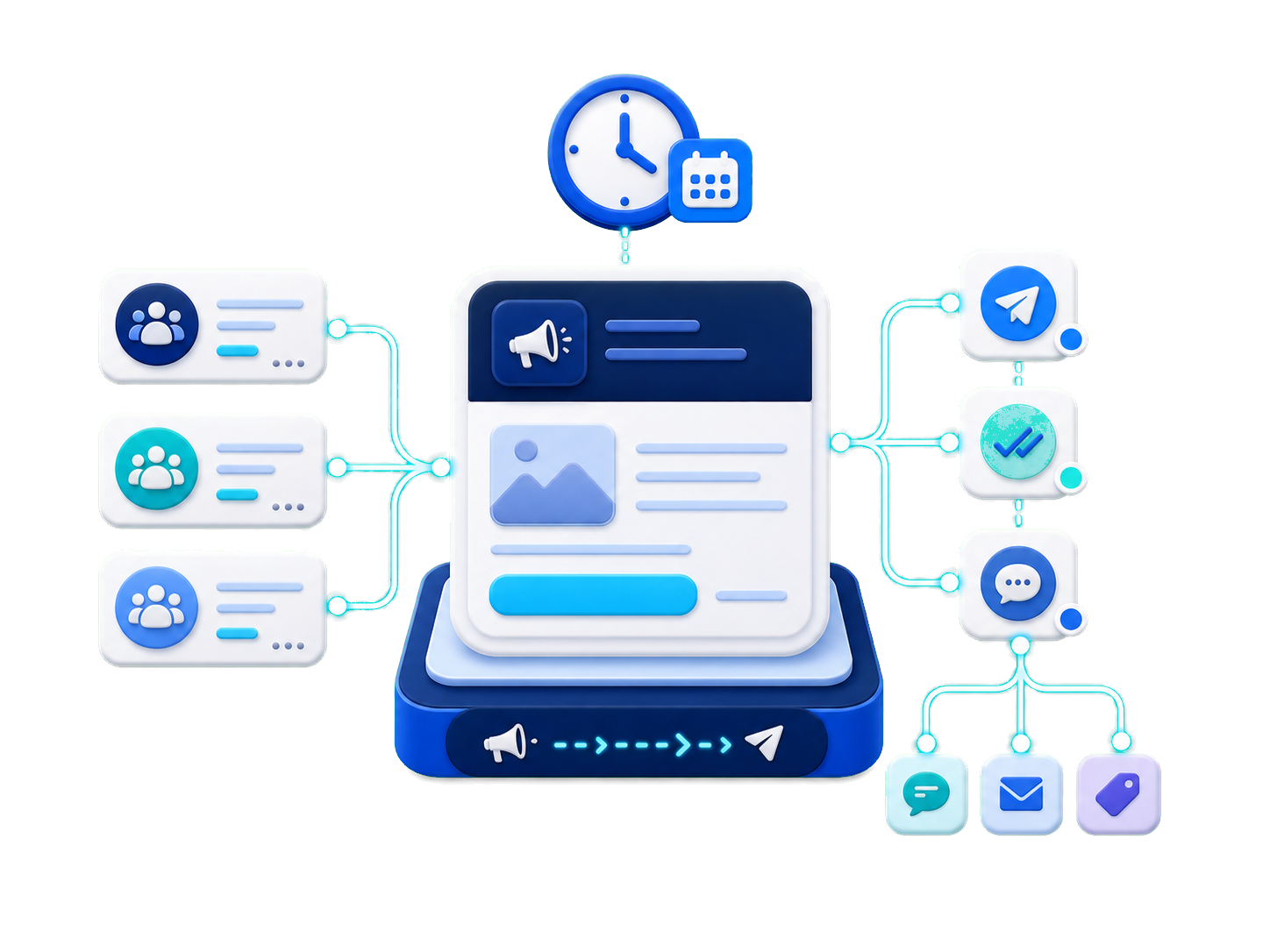
Implifie helps businesses run WhatsApp broadcast campaigns with approved templates, contact lists, scheduling, delivery tracking, CRM context, and follow-up automation.
Businesses often send WhatsApp updates manually or through disconnected tools. This makes it difficult to manage audiences, track delivery, understand replies, and continue conversations with interested customers. Implifie helps you run template-based WhatsApp broadcasts while keeping every reply connected to your inbox, CRM, and follow-up workflows.
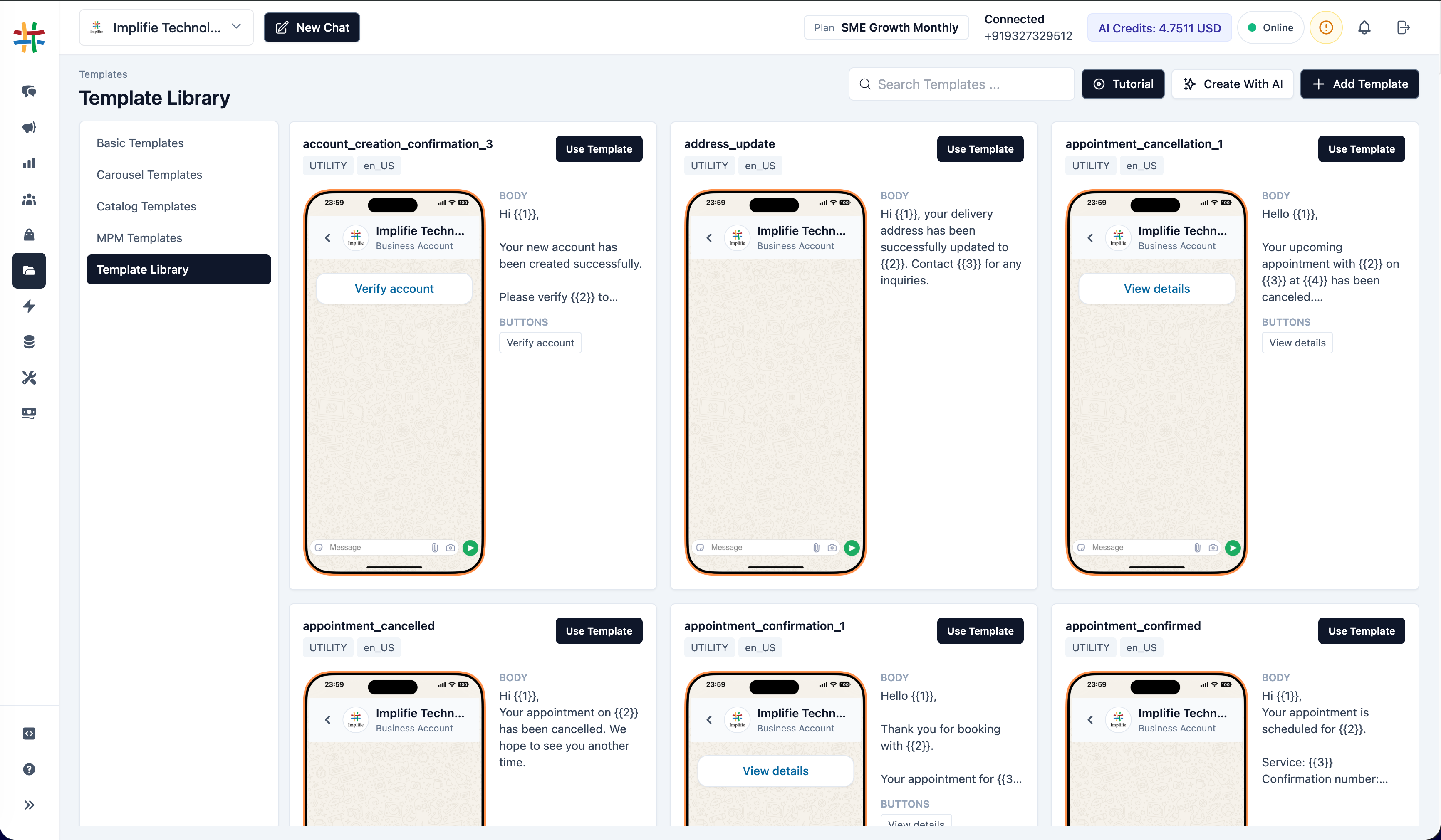
Use Implifie to send broadcasts, manage audiences, track message performance, and follow up with customers who respond to your broadcast campaigns.
Use approved WhatsApp message templates for broadcast campaigns, reminders, updates, offers, and customer communication.
Send broadcast campaigns to the right audience using contact lists, tags, groups, or imported contacts.
Plan broadcasts in advance and manage campaign timing based on your business needs.
Monitor sent, delivered, read, replied, failed, and follow-up activity from one dashboard.
When customers respond to a campaign, your team can manage replies from a shared WhatsApp inbox.
Trigger follow-ups, CRM updates, team assignment, or chatbot flows based on customer engagement.
Create a campaign, choose your audience, select an approved template, schedule or send, and track customer responses from one platform.
Choose contact lists, tags, imported contacts, or CRM segments for your WhatsApp broadcast campaign.
Use approved WhatsApp templates with variables, media, buttons, or campaign-specific content.
Launch the campaign, monitor performance, and manage customer replies through inbox and automation.
Implifie helps you manage broadcasts from planning to follow-up. Create template-based broadcast campaigns, select audiences, schedule messages, monitor delivery, and continue customer conversations from the shared inbox.
Try Implifie with your team and explore WhatsApp broadcasts, templates, contact lists, campaign tracking, shared inbox, CRM, and follow-up automation.
Use this section for real customer proof later. Until then, show practical use cases such as offer Broadcasts, event reminders, appointment follow-ups, lead nurturing, feedback requests, and customer reactivation.
WhatsApp broadcast software helps businesses send approved template messages to selected contacts, manage Broadcast delivery, track replies, and continue follow-ups using WhatsApp Business API.
Implifie supports WhatsApp broadcasts using approved message templates and selected contact lists. Broadcasts should follow WhatsApp Business API rules and customer communication best practices.
Yes. Implifie can help you schedule WhatsApp broadcast Broadcasts and manage Broadcast timing based on your business needs.
Yes. Implifie can help track Broadcast activity such as sent, delivered, read, replied, failed, and follow-up status depending on your WhatsApp setup and message events.
Customer replies can be managed from the shared WhatsApp inbox, linked to CRM context, and continued through manual or automated follow-up workflows.
Yes. WhatsApp broadcast Broadcasts generally use approved template messages through WhatsApp Business API.
Tell us what type of WhatsApp Broadcasts you want to run and we’ll help you understand how Implifie can support audience lists, templates, scheduling, tracking, and follow-ups.