

Assign chats to team members
Route conversations to the right sales or support agent so every customer gets the right response.

Use Implifie to help your team manage WhatsApp conversations together with shared inbox, chat assignment, customer context, notes, AI reply suggestions, and follow-up workflows.
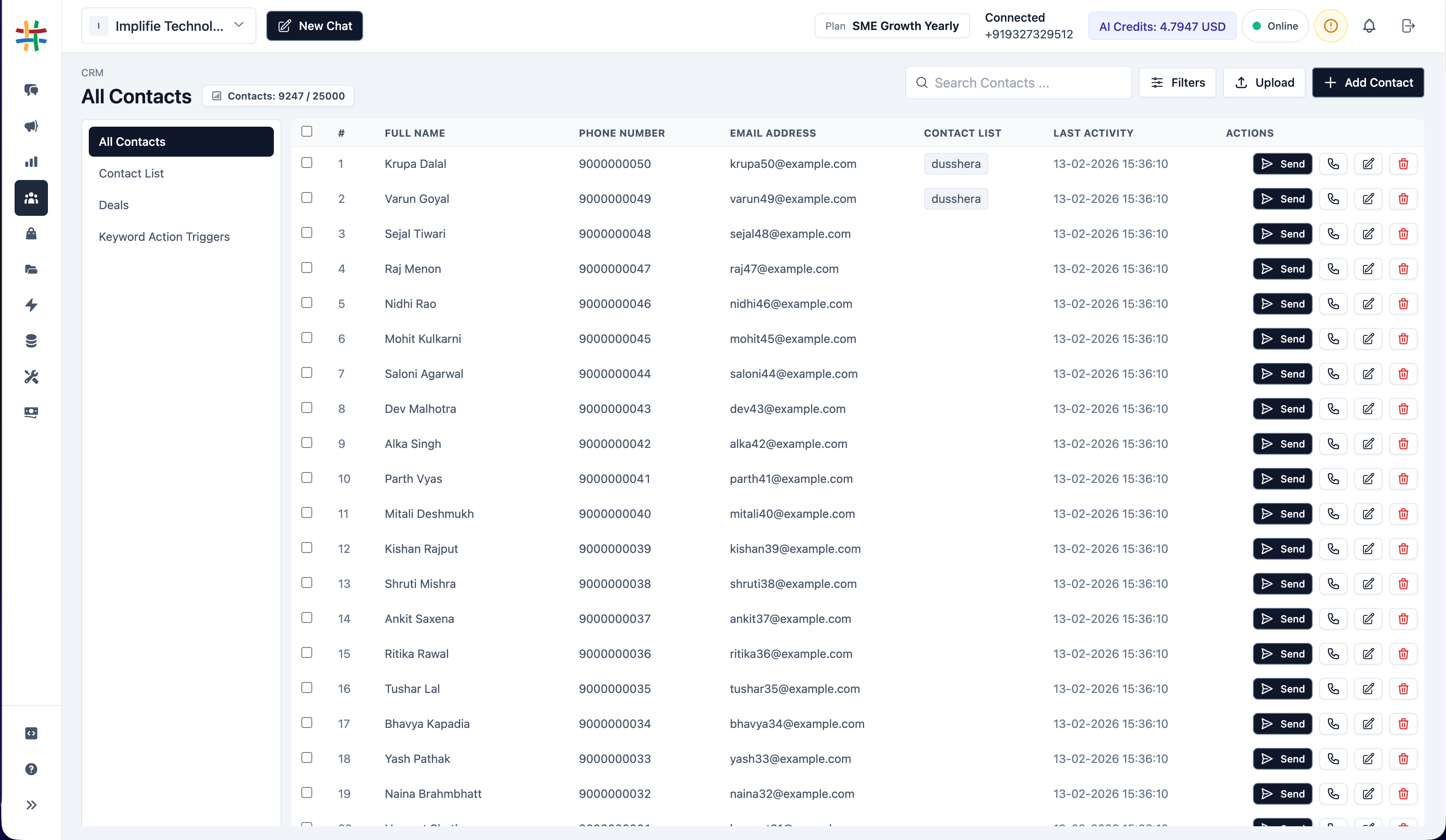
Implifie gives your team a shared WhatsApp workspace to assign chats, view customer history, add notes, manage handoffs, and respond faster.
Use Implifie to assign conversations, organize customer context, manage support queues, and keep sales and support teams aligned.
Manage all customer conversations from one team inbox instead of personal WhatsApp accounts.
Learn moreRoute conversations to the right sales or support agent so every customer gets the right response.
See contact details, tags, notes, previous messages, and CRM activity before replying.
Keep team context visible without sending those notes to the customer.
When customer chats are managed from personal phones or disconnected tools, teams lose visibility. Sales and support agents may reply twice, miss messages, forget follow-ups, or lose important customer context.
Implifie gives your team a simple workflow to receive, assign, reply, and follow up on WhatsApp conversations.
All customer WhatsApp conversations appear in a shared team inbox with customer context.
Route conversations to sales, support, or operations team members based on the customer need.
Agents can view chat history, notes, tags, and AI suggestions before responding.
Use reminders, templates, chatbot workflows, and CRM updates to continue the customer journey.
Explore Implifie with your team and test shared inbox, chat assignment, notes, CRM context, AI reply suggestions, and follow-up workflows.
Use this section for real proof later. Until then, show practical team use cases such as support queues, sales handoffs, lead assignment, internal notes, and shared customer history.
Implifie helps your team connect WhatsApp conversations with CRM, spreadsheets, calendars, webhooks, and internal workflows.
WhatsApp team collaboration allows multiple team members to manage customer conversations from a shared inbox with assignment, customer context, notes, and follow-up workflows.
Yes. Implifie gives teams a shared WhatsApp inbox where agents can manage and assign customer conversations together.
Yes. Conversations can be assigned to the right sales or support team member so ownership is clear.
Yes. Team members can view customer context, conversation history, tags, notes, and CRM-related details where available.
Yes. Implifie can support chatbot-to-human handoff so automation handles repetitive steps while team members handle important conversations.
Yes. Implifie can provide AI-assisted replies and chat summaries to help agents respond faster while keeping humans in control.
Tell us how your sales and support team currently handles WhatsApp conversations. We’ll help you understand how Implifie can improve assignment, handoff, visibility, and follow-ups.