Calendar booking automation

Connect Google Calendar with your WhatsApp workflow

Connect Google Calendar with Implifie to support availability-aware booking workflows, calendar actions and WhatsApp appointment follow-ups from one automation workspace.

  • Native Google OAuth connection
  • Choose calendars and configuration
  • Use calendar actions in workflows
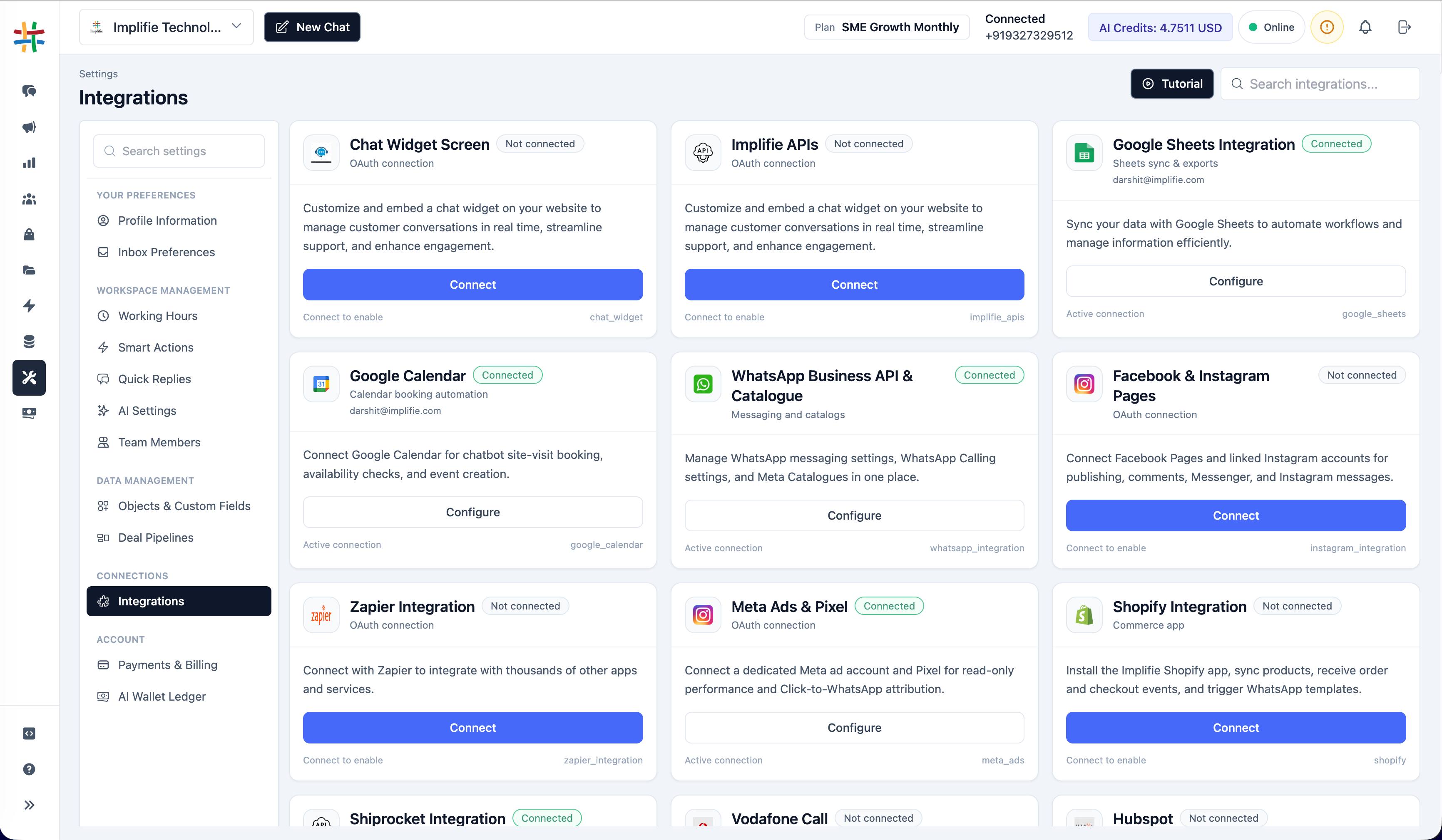
Google Calendar WhatsApp Integration in the Implifie integrations workspace
Why connect it

Coordinate Google Calendar and customer conversations

Use the integration for a defined operational outcome, with permissions, customer consent and exception handling reviewed before launch.

01

Reduce booking friction

Connect calendar actions to guided WhatsApp conversations and qualification steps.

02

Keep availability controlled

Use the calendars and settings selected by your organization rather than an unmanaged public schedule.

03

Automate follow-ups

Combine booking actions with approved reminders, confirmations and team handoff.

One connected workspace

Configure the connection from the same platform your team uses for WhatsApp

Implifie keeps supported integrations close to conversation, automation and campaign workflows.

Availability, setup method and plan requirements differ by integration. Confirm the current configuration for your organization.

  • Native Google OAuth connection
  • Choose calendars and configuration
  • Use calendar actions in workflows
Implifie calendar integration configuration showing booking and reminder workflow settings
How it works

Plan and test the Google Calendar workflow

  1. 1

    Connect Google Calendar

    Authorize the appropriate Google account from Settings → Integrations.

  2. 2

    Select the calendar configuration

    Choose the eligible calendars and review organization-level settings.

  3. 3

    Test the connection

    Use the available connection test before relying on the workflow.

  4. 4

    Add calendar actions

    Configure supported calendar nodes in an automation and test the complete customer path.

Use cases

Start with a specific customer or team outcome

01

Appointment requests

Guide customers from enquiry to an available appointment workflow.

02

Consultation booking

Collect context before creating the calendar action.

03

Reminders

Use approved WhatsApp messages around scheduled appointments.

04

Rescheduling handoff

Route exceptions to a team member with conversation context.

Questions

Google Calendar WhatsApp Integration FAQs

Does Implifie connect directly to Google Calendar?

Yes. The current product includes a Google Calendar connection, calendar selection and connection test workflow.

Can customers see every calendar event?

No. Only expose information intentionally configured in the supported workflow; review privacy and availability settings before launch.

Can it send WhatsApp appointment reminders?

Calendar actions can be combined with supported WhatsApp templates and automation steps for reminders and follow-ups.

Can I choose which calendar is used?

The current integration includes organization-level calendar configuration. Available choices depend on the connected Google account.

Should I test the workflow before publishing?

Yes. Test authorization, calendar selection, time zones, availability, message templates and exception handoff.

Plan the workflow

Connect Google Calendar with Implifie

Start with a focused use case, validate permissions and data mapping, and test the customer journey before production use.