

Track CTWA conversations
Review WhatsApp conversations attributed to supported Click-to-WhatsApp campaign activity.

For eligible organizations, Implifie brings Click-to-WhatsApp activity, synced Meta Ads insights and customer outcomes into one marketing workspace.
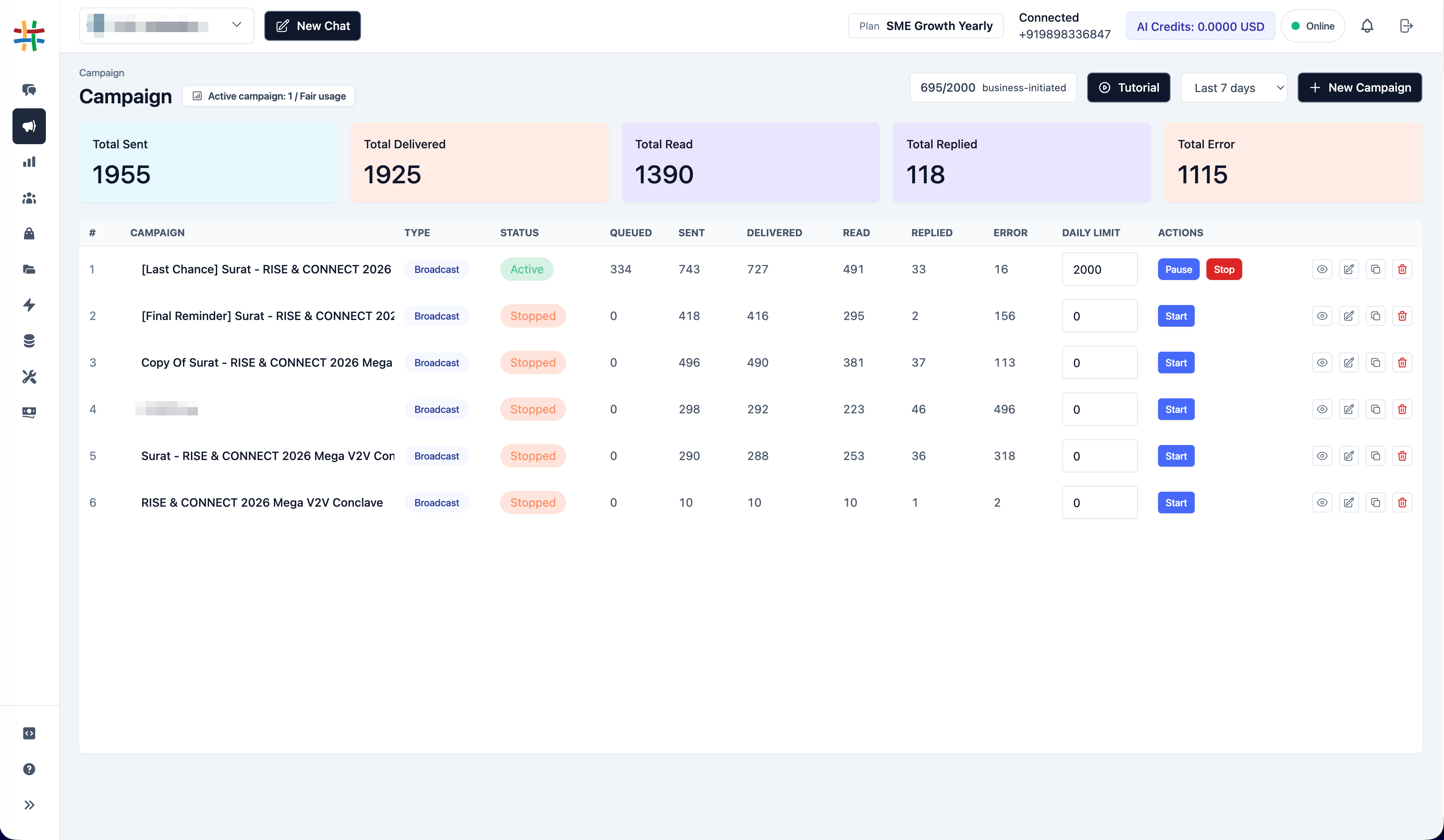
Use connected ad and WhatsApp data to review how eligible campaigns contribute to conversations and downstream outcomes.
Review WhatsApp conversations attributed to supported Click-to-WhatsApp campaign activity.
Bring available spend and campaign metrics from the selected Meta ad account into the dashboard.
Compare paid conversation activity with available cart revenue and return-on-ad-spend indicators.
CTWA reporting depends on eligible accounts, permissions and consistent asset selection.
Complete the supported WhatsApp Business connection and select the number used by the campaign.
Authorize the required Meta Ads permissions for an eligible account.
Choose and save the ad account used for Click-to-WhatsApp campaigns.
Synchronize available insights and review the selected reporting period in the CTWA dashboard.
Available fields depend on the connected Meta data and Implifie attribution records.
Review synced spend for the selected reporting period.
See supported conversations attributed to Click-to-WhatsApp activity.
Review available paid-cart outcomes and associated revenue.
Use synchronized spend and attributed revenue to understand ROAS.
Choose preset periods or a custom date range.
Confirm or change the saved Meta ad account used for reporting.
Compare supported conversation and outcome metrics across synced campaigns.
Move attributed conversations into the shared inbox and CRM workflow.
Use spend, conversation and available revenue indicators when reviewing campaign efficiency.
Availability can depend on environment, account readiness, Meta permissions and rollout status.
They are Meta ads that invite a person to start a WhatsApp conversation with the advertised business.
The organization needs an eligible WhatsApp Business connection and a Meta login with the required Ads permissions and ad-account access.
No. The Meta Ads connection and required permissions are configured separately from the WhatsApp connection.
The current dashboard supports available campaign insights such as spend, attributed conversations, paid-cart revenue and ROAS where the necessary data exists.
Availability may be restricted by environment, account eligibility, Meta permissions or staged rollout. Confirm access for the organization before depending on the feature.
Combine connected Implifie capabilities to manage acquisition, conversations, follow-ups and support from one workspace.
Bring eligible Meta Ads insights and attributed customer outcomes into the Implifie marketing workspace.