

Reduce channel switching
Move between supported conversation sources without treating each channel as a separate support operation.

Connect eligible Facebook and Instagram accounts, switch between supported conversation channels and give sales or support teams shared ownership of customer enquiries.
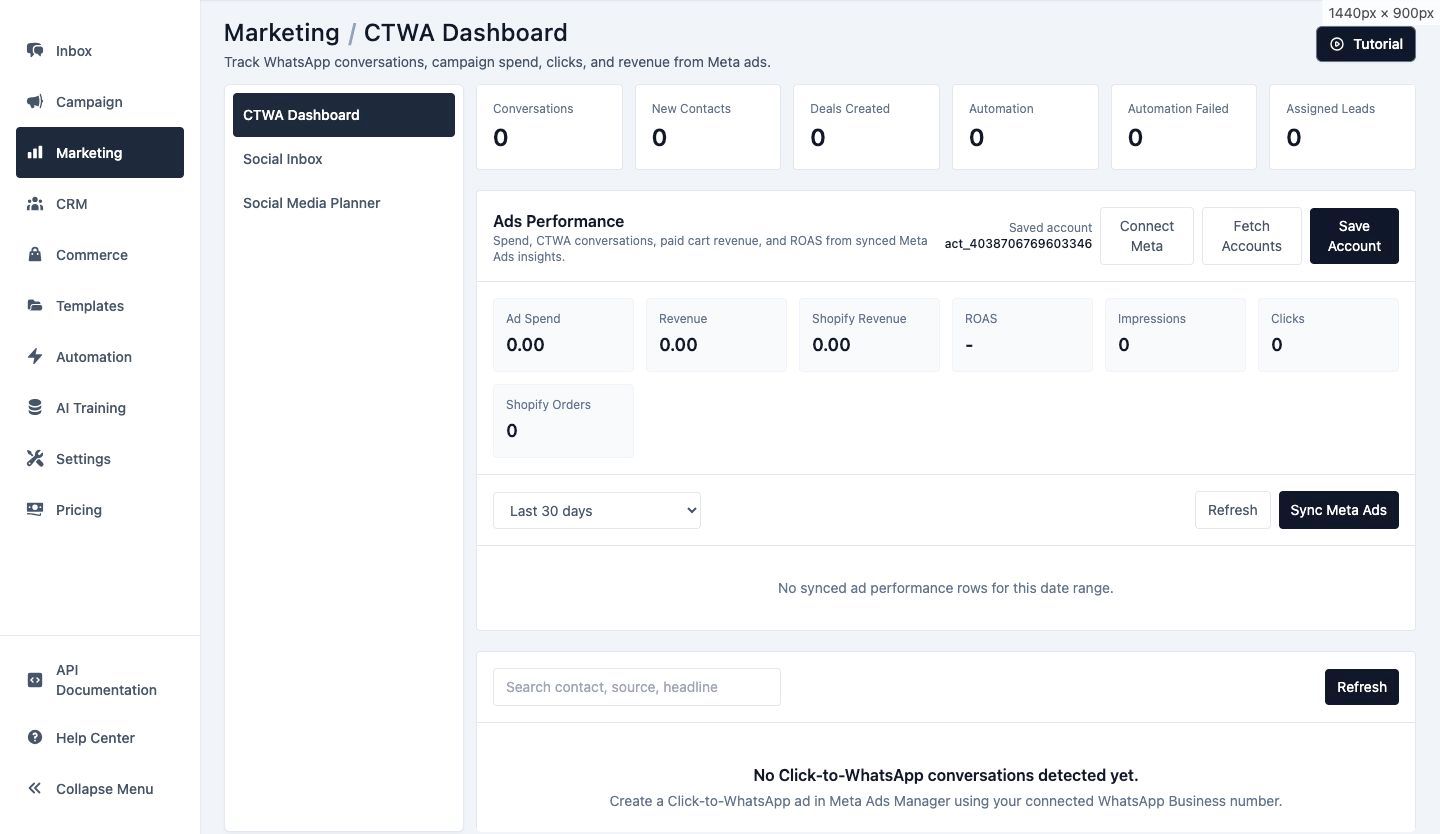
Use the wider Implifie inbox workflow for supported social conversations while preserving the controls teams already use for ownership and collaboration.
Move between supported conversation sources without treating each channel as a separate support operation.
Assign conversations so team members know who is responsible for the next response.
Use notes and available customer activity to support a better handoff between team members.
Select the eligible Facebook Page and its linked Instagram professional account before expecting social conversations or publishing workflows to appear.
Permissions, account type and Meta asset ownership can affect which pages and conversations are available.
Maintain reusable reply material for common enquiries and use internal notes when context should remain inside the team.
Channel rules and message capabilities can differ, so agents should review the destination before responding.
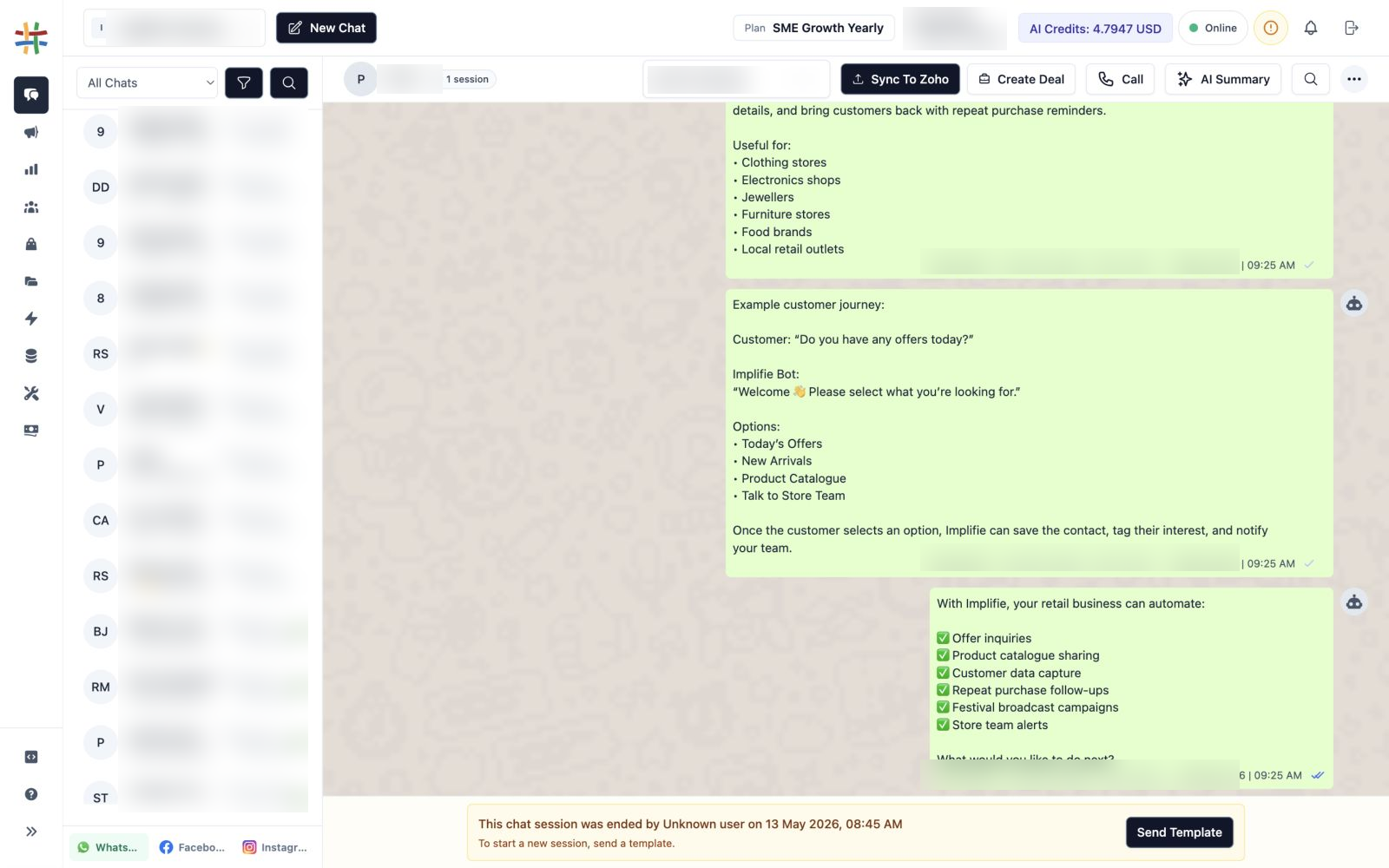
Authorize the required Facebook permissions and select the relevant Page and linked Instagram account.
Use channel-aware controls to review conversations from supported connected sources.
Give the conversation an owner, review context and send an appropriate channel response.
Use notes, CRM context and follow-up workflows where supported and relevant.
Review supported WhatsApp, Facebook and Instagram conversation sources.
Assign an eligible conversation to the responsible team member.
Preserve context that should not be sent to the customer.
Use reviewed material for frequent questions.
Reference available contact and activity information while responding.
Move conversations between teammates when a different owner or skill is needed.
The current marketing and inbox workflow includes eligible Facebook Page and linked Instagram professional account connections alongside WhatsApp.
The supported Meta workflow expects the relevant Facebook Page and its linked Instagram professional account.
Supported inbox conversations can use the wider team ownership and assignment workflow where the channel integration provides the required conversation data.
Internal notes can preserve team-only context in the wider inbox workflow and are not intended as customer messages.
Check Meta permissions, Page ownership, the linked Instagram account, organization selection and whether the channel is supported for the current workflow.
Connect conversations, customer context, campaigns and automation from the same workspace.
Connect supported Facebook and Instagram accounts and give every enquiry clearer team ownership.