

Manage product data
Review products, collections and connected catalogues from a dedicated commerce workspace.

Connect commerce data, manage products and catalogues, and trigger relevant WhatsApp messages from the same Implifie workspace your team uses for customer conversations.
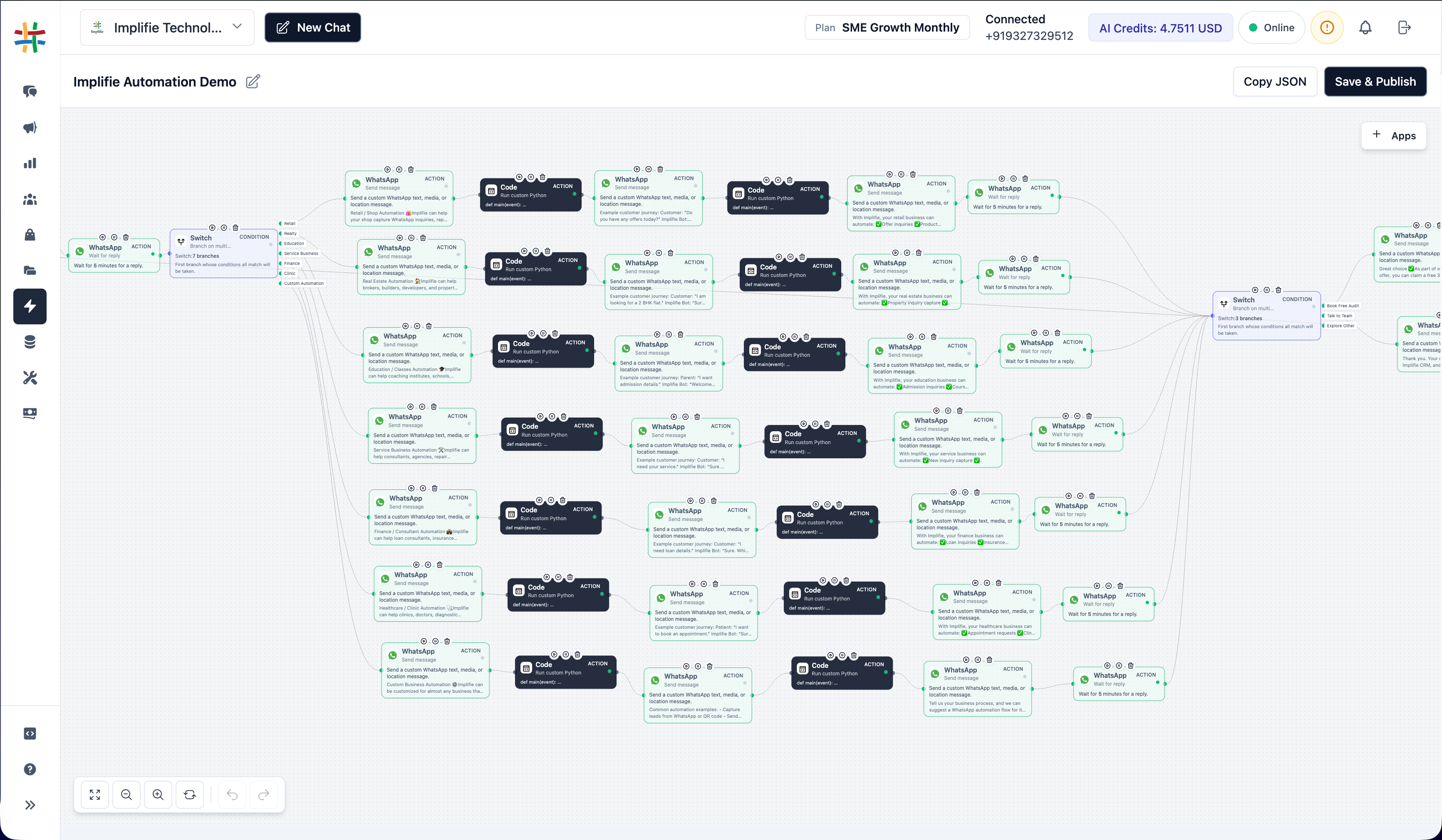
Keep product information, commerce events and customer messaging connected instead of moving data between disconnected tools.
Review products, collections and connected catalogues from a dedicated commerce workspace.
Create rules that send approved WhatsApp templates when supported commerce events occur.
Inspect processing status and integration health when an automation does not behave as expected.
Organize product records and collections, connect the appropriate Meta commerce assets and prepare catalogue-backed message templates.
A shared product foundation helps marketing and support teams reference the right products while continuing the conversation in WhatsApp.
Build commerce automation rules that connect supported store or fulfilment events with an approved WhatsApp template.
Control the rule, sender and template mapping in Implifie, then use diagnostics to confirm that incoming events were processed correctly.
Configure the required assets first, then add automation only after the product and messaging foundations are ready.
Connect Shopify, Shiprocket or the appropriate Meta commerce assets available to your organization.
Confirm that the expected products, collections and catalogue records are available.
Select the event, sender and approved WhatsApp template used for the customer message.
Review processing records and correct integration, template or mapping problems when necessary.
Commerce diagnostics provides a practical record of webhook and automation processing. Teams can use it to distinguish missing source events from template, configuration or delivery problems.
Important details about catalogues, automation and integrations.
It is a connected workspace for managing supported product, catalogue, integration and commerce-automation activity alongside WhatsApp conversations.
Implifie includes commerce integration areas for Shopify and Shiprocket. Availability and required credentials depend on the organization and connected account.
Supported events can be mapped to approved WhatsApp templates through commerce automation rules. The sender, template and integration must be configured correctly.
Use Commerce Diagnostics to review event and processing records, then verify the source connection, rule status, sender and template mapping.
No. Connect and populate the relevant catalogue first, then create and submit the appropriate catalogue or multi-product WhatsApp template.
Combine connected Implifie capabilities to manage acquisition, conversations, follow-ups and support from one workspace.
Start building product, catalogue and automation workflows in one connected WhatsApp platform.