

A student asks about a UK master’s course after dinner. By morning, a parent has called about fees, an education fair has added a batch of new contacts, and two counselors are working through the same WhatsApp number. The student who asked for a callback after 5 pm is now halfway down the inbox. Who remembers to call?
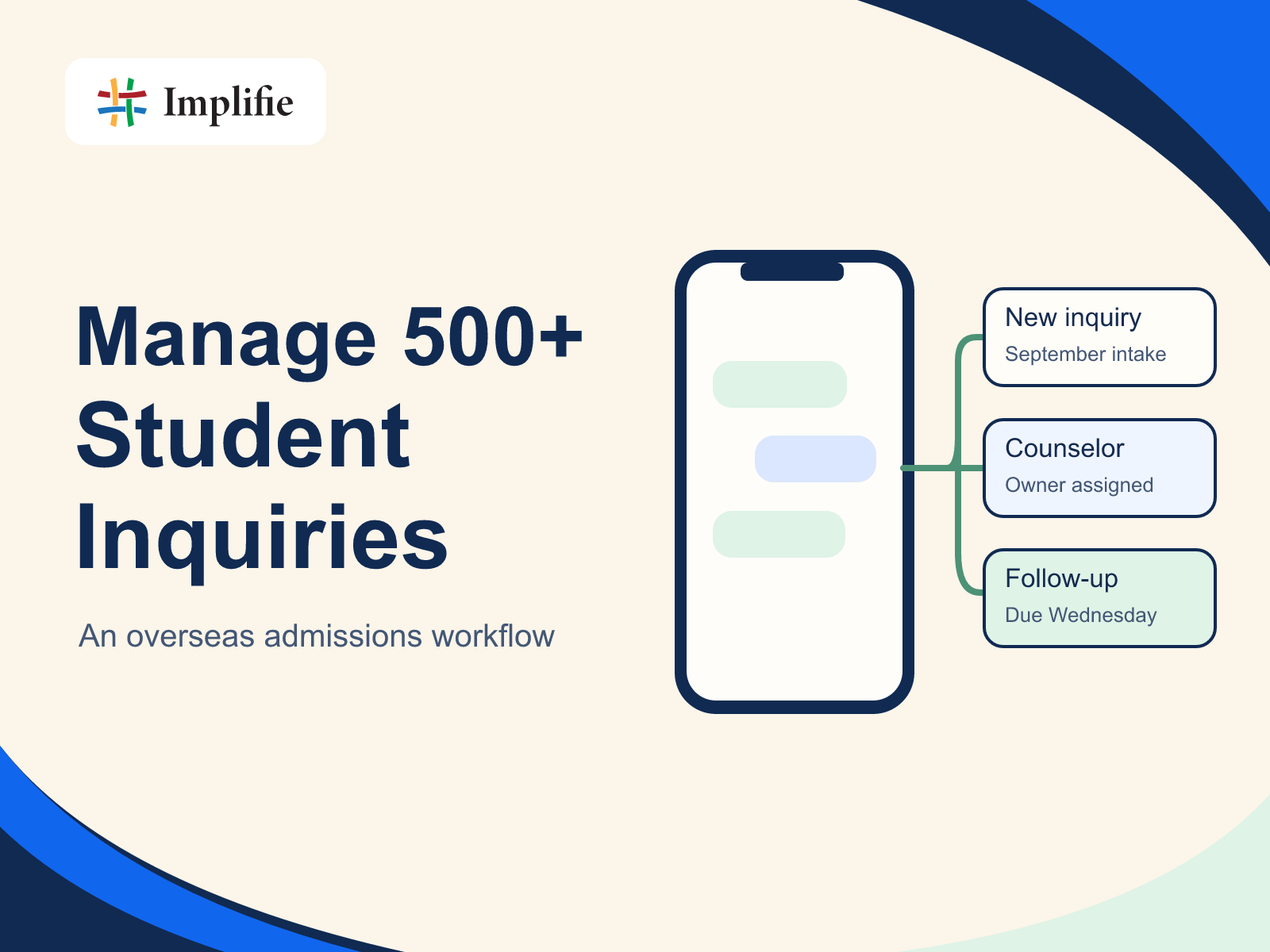
At 500 inquiries in an intake month, every active student needs three things recorded together: a counselor, a next action and a due date. Here’s how an overseas education team can build that workflow around WhatsApp and a shared admissions pipeline.
Get every inquiry into one queue
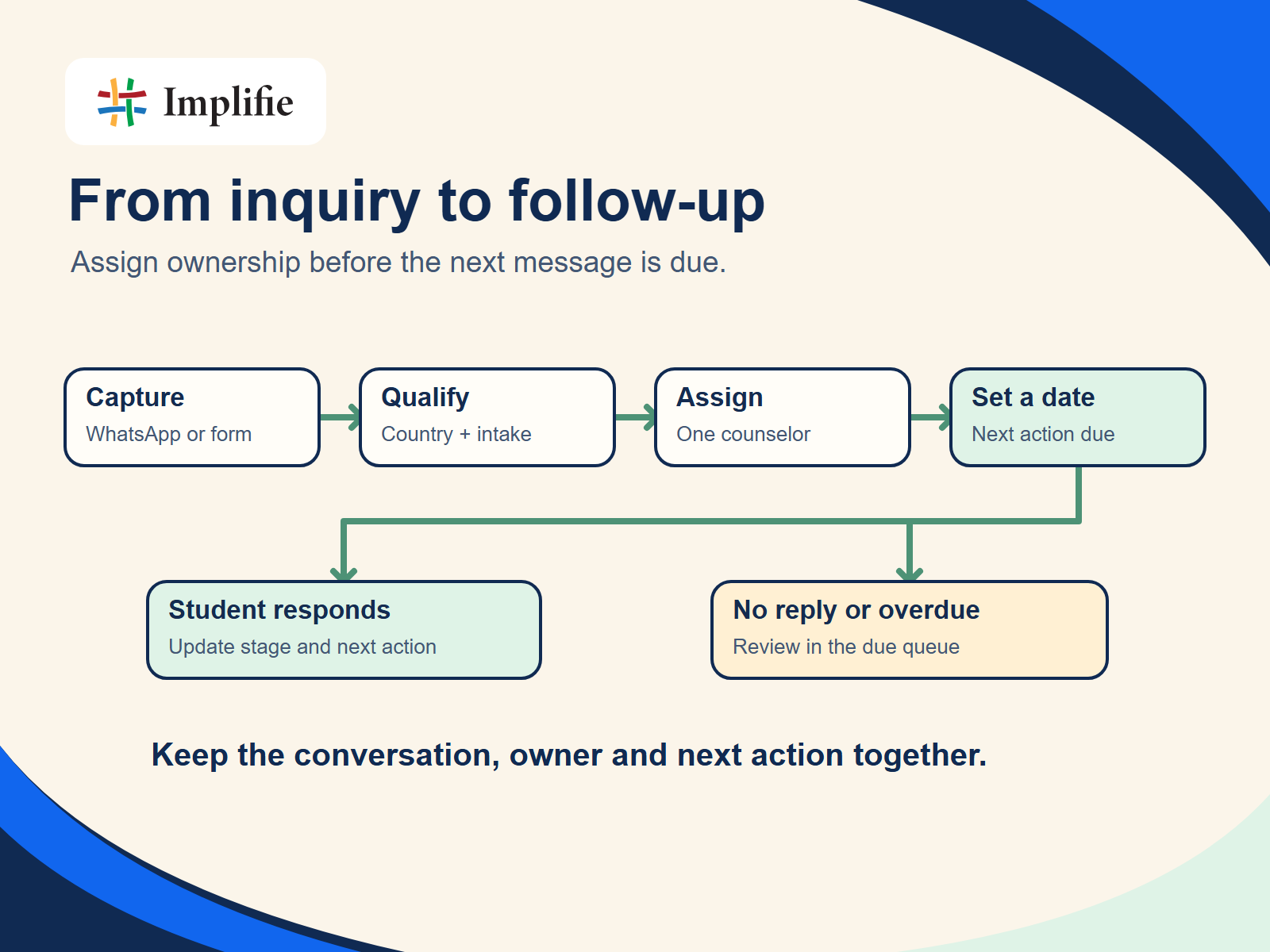
Decide where new inquiries go before your next fair or campaign. An Instagram lead, a website form submission and a WhatsApp message should all end up in the same admissions queue, even if some sources initially need a manual import. Capture the source and check for an existing contact before opening a second record. If a parent is enquiring for a student, confirm who your team should contact and connect the records according to your process.
On the first exchange, ask for the preferred country or course, intended intake and a convenient time to speak. Give undecided students an option to say so. A counselor can collect the rest during the call. If a fair attendee gives you their phone number, use the contact permissions recorded at signup before sending a WhatsApp follow-up.
Give each inquiry one owner and one next step
A shared inbox lets the team see what was said. Assigning an owner tells everyone who is responsible for what happens next. Route new conversations by destination, preferred language or counselor availability. Keep a fallback queue for undecided students and for counselors who are unavailable. Review that queue at the start of each shift.
Use a handful of stages your team can agree on: New inquiry, Counseling booked, Counseling completed, Documents pending, Application in progress and Closed. The stage describes where the student is. The next action tells the counselor what to do. For example, “Documents pending” becomes actionable when it also says “Check whether the transcript arrived by Thursday at 2 pm.”
Write handovers someone else can act on
Suppose a Vadodara student wants a UK master’s for the September intake and can speak only after 5 pm. Riya, the assigned counselor, offers Wednesday at 5:30 pm IST. At shift handover, the record should show that the time was offered, that the student still needs to confirm, and that the counselor should check the reply by noon Wednesday. If someone covers the inbox the next morning, they know exactly what they’re waiting for.
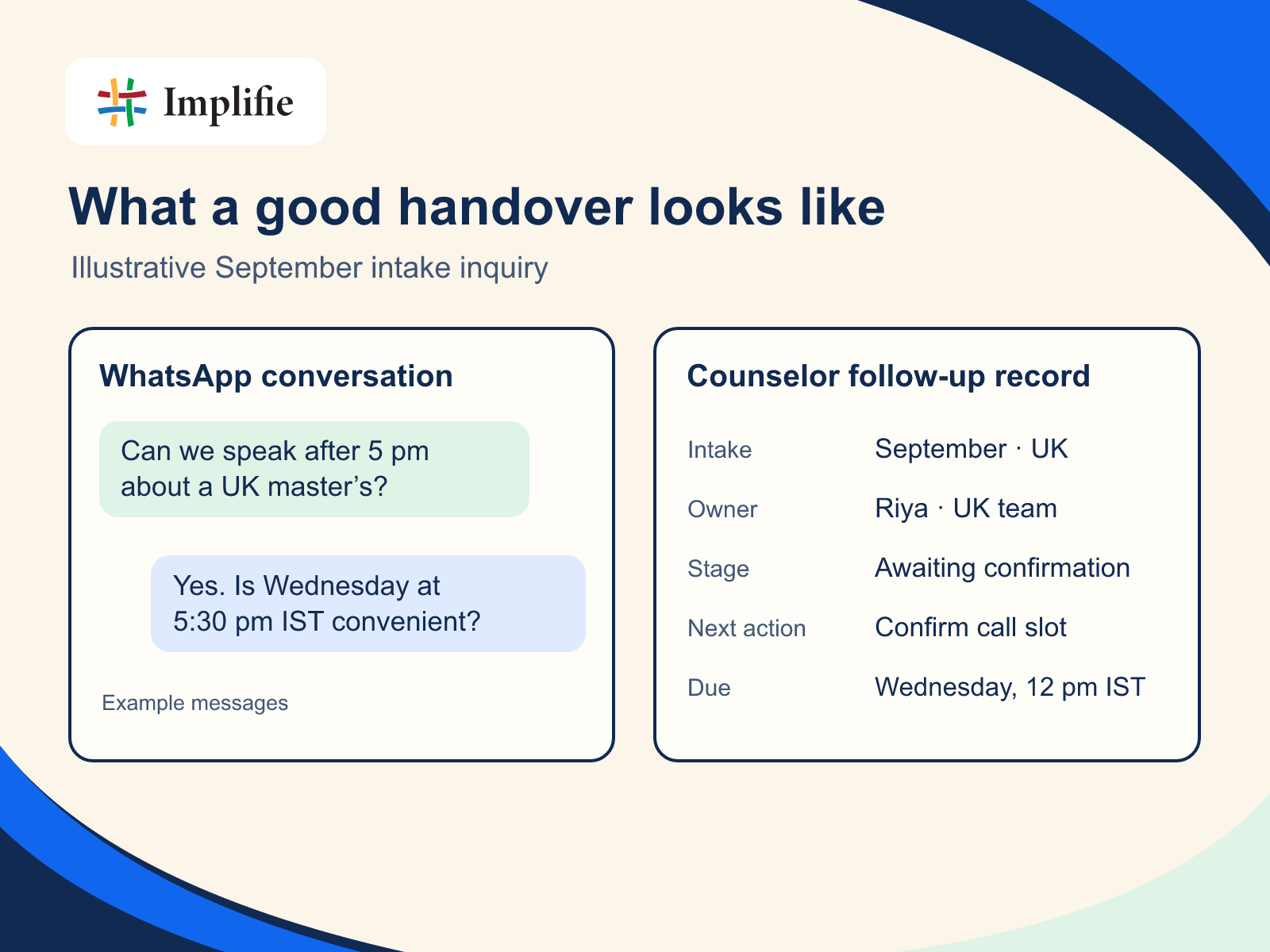
A note like “UK lead, follow up” leaves the next counselor guessing. Capture the last promise in plain language. When a counselor is away, hand over their due conversations by name and make the covering owner visible to the team.
Automate reminders your team can supervise
Start with predictable messages: confirming a booked counseling session, reminding a student about a call, or checking in about an agreed next step. Use approved WhatsApp templates when required and respect the student’s contact preferences. Before scheduling a reminder, decide what should pause or cancel it, including a reply, a rescheduled call, a stage change or an opt-out.
A confirmation can be brief: “Hi [first name], this is [counselor] from [agency]. Your counseling call is booked for Wednesday at 5:30 pm IST. Please reply if you need a different time.” Keep decisions about eligibility, funding or application documents with the counselor. For passports and transcripts, direct students to the agency’s approved upload process.
Review the due queue every day
Start with unassigned inquiries, follow-ups due today and anything overdue. Give time-sensitive application deadlines priority. At the end of the shift, check that every conversation the team touched has a next action or a clear reason to close it. If you use private notes, keep them brief enough for a colleague to scan before picking up the thread.
To see where follow-ups slip, track the number of unassigned inquiries, overdue follow-ups and booked-to-attended counseling sessions. With 500 inquiries, even 50 active records without a next action mean 50 conversations someone has to rediscover. Review the overdue records by owner and stage each week. That tells you whether the problem is routing, workload or a particular step in the admissions process.
How Implifie fits the admissions workflow
Implifie’s WhatsApp automation for education consultants brings inquiry handling and follow-ups into the same workflow. Use the shared WhatsApp inbox to assign conversations and review earlier replies, and the WhatsApp CRM to organize student inquiries by stage. Set up WhatsApp follow-up automation for repeatable messages, starting with one intake and one reminder your counselors can monitor.
Frequently asked questions
How can multiple counselors manage one WhatsApp number?
Use a shared WhatsApp inbox with individual counselor access. Assign each active conversation to one owner and record the next action so colleagues can cover it when needed.
What should an overseas education inquiry record include?
Start with contact details, inquiry source, preferred destination or course, intake, counselor, stage, next action and due date. Record contact preferences and collect sensitive documents through your approved process.
When should an automated follow-up pause?
Pause or cancel a scheduled follow-up when the student replies, reschedules, opts out or moves to a stage where the message no longer applies. Have the assigned counselor review the new next action.